Vendor Management
Introduction / Purpose
Vendor Management maintains the station’s supplier records — vendor companies, their contact persons, and the bank accounts used for vendor and station payments.
How to Navigate
- Open the relevant Menu entry for Vendor.
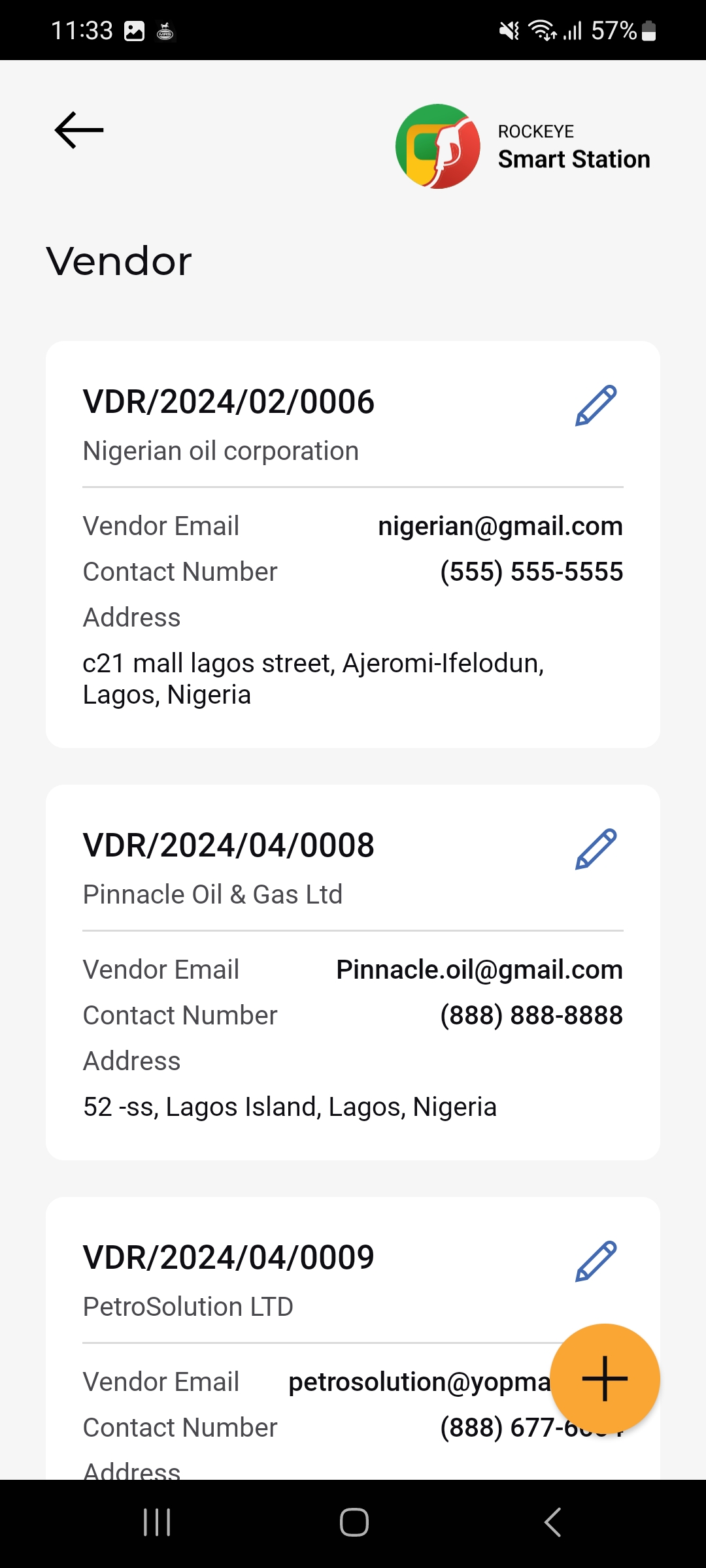
- The Vendor list opens, showing each vendor as a card.
- Tap the (+) button to add a new vendor, or the pencil icon on a card to edit it.
Vendor List
Each vendor card shows:
- Vendor Reference
- Vendor Name
- Vendor Email
- Contact Number
- Address
- Edit icon: Opens the vendor for editing.
Add a Vendor
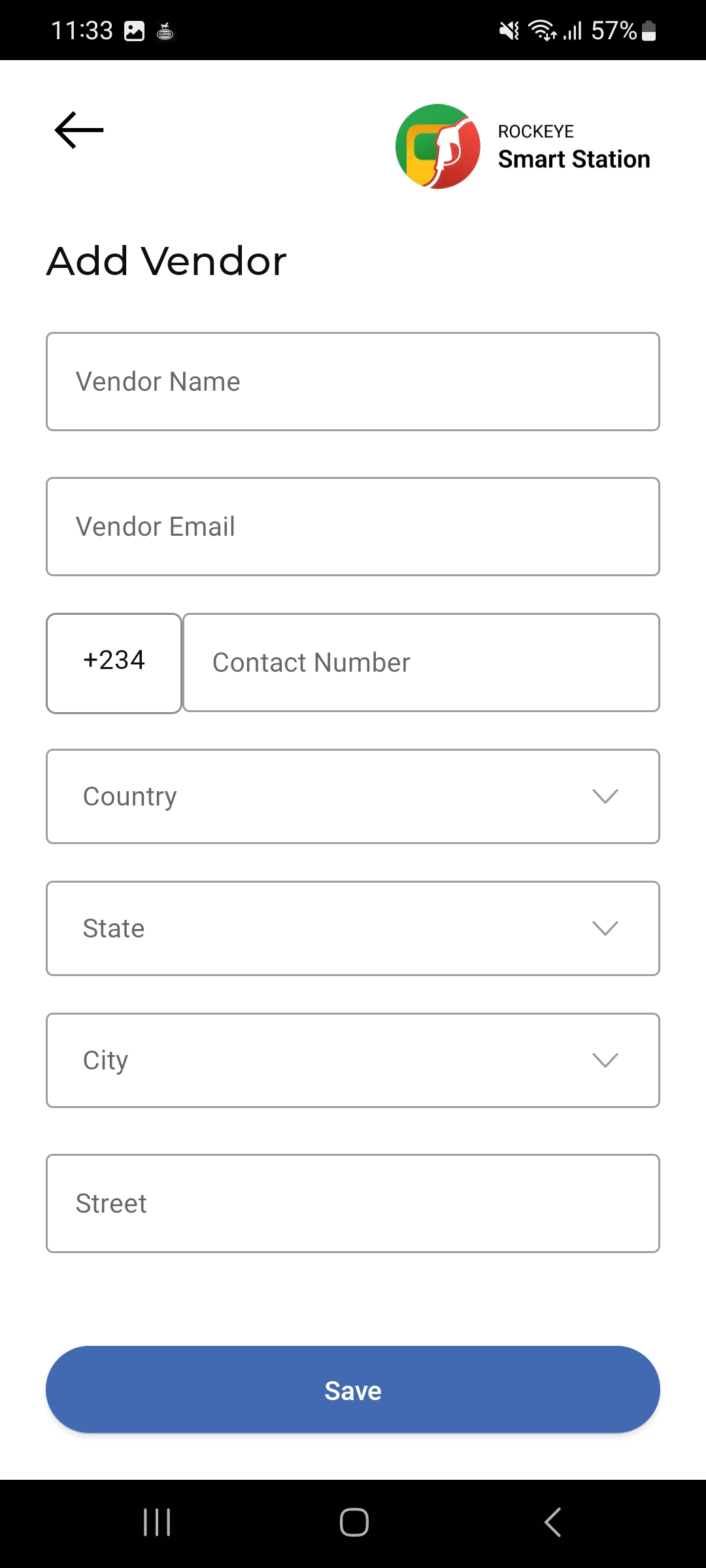
- Tap the (+) button on the Vendor list.
- Enter the Vendor Name and Vendor Email.
- Enter the Contact Number (with country code, e.g. +234).
- Select the Country, State, and City.
- Enter the Street address.
- Tap Save to create the vendor.