Pump Transactions
Introduction
Pump transactions represent the recorded instances of dispensing fuel at a station, capturing essential details like product type, volume, and financial data. The purpose is twofold: to meticulously track fuel sales for financial accuracy and to analyze operational aspects such as shifts and nozzles, enabling informed decisions for improved efficiency, inventory control, and overall effective management within the fuel station environment.
How To Navigate
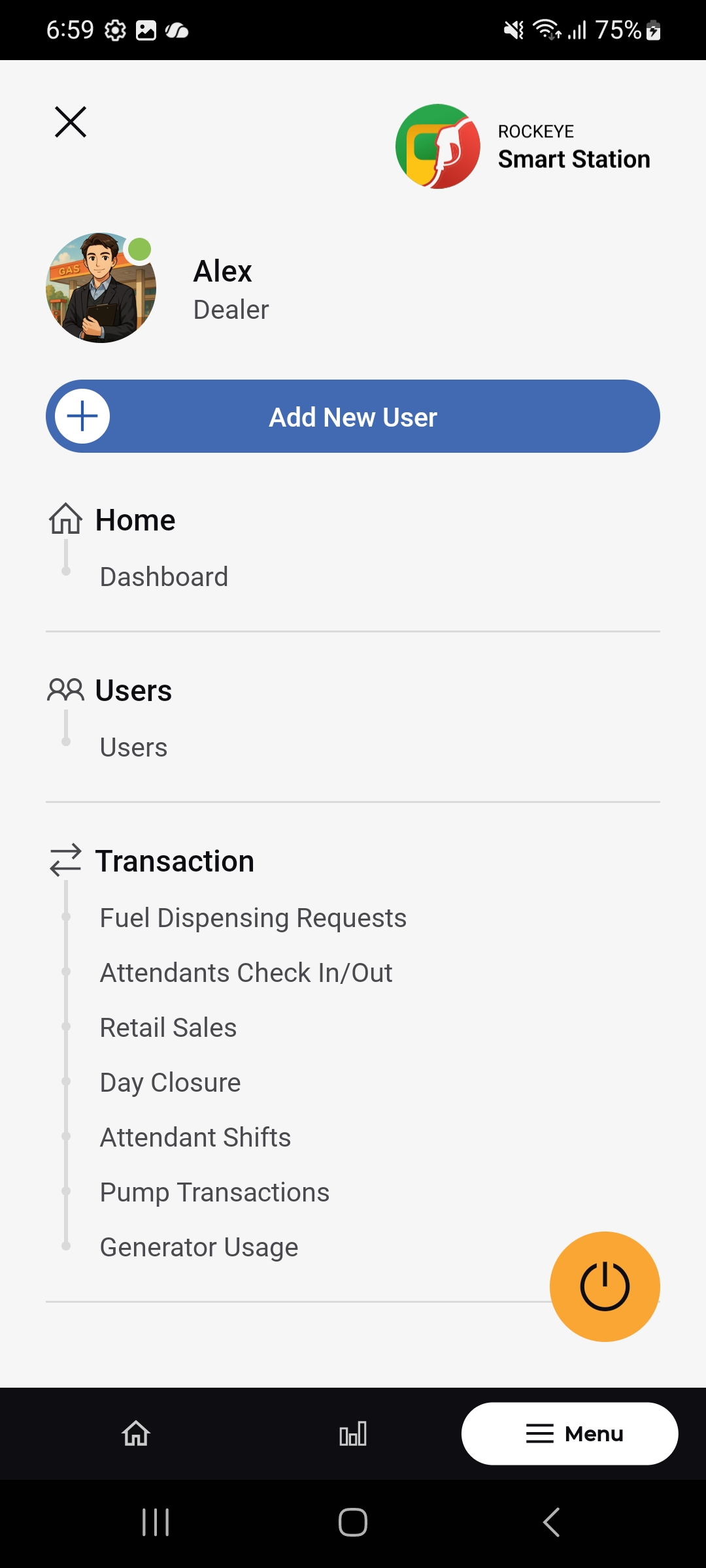
- Under the Transaction section, select Pump Transactions.
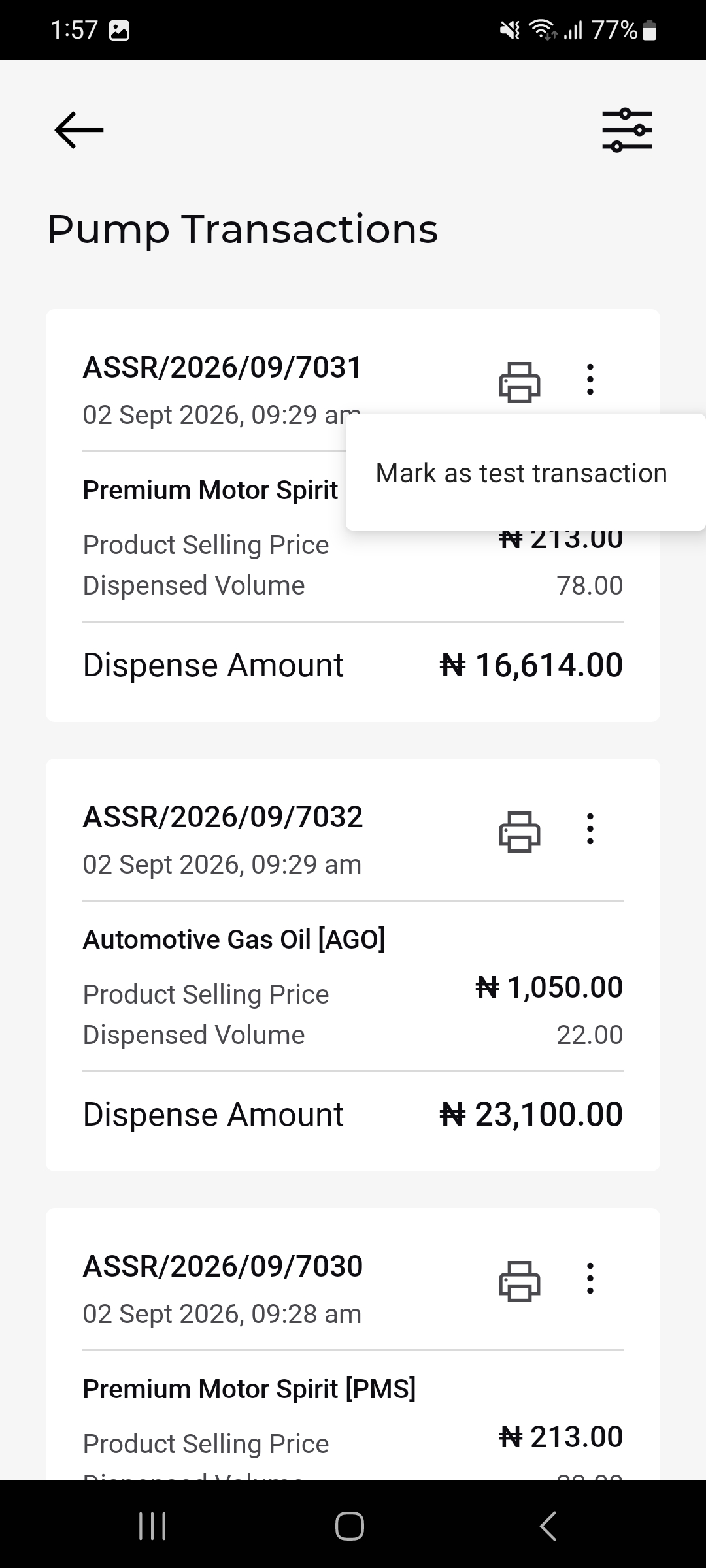
- This screen displays a list of all pump transactions with key details such as:
- Transaction ID and timestamp
- Product name (e.g., Premium Motor Spirit [PMS])
- Product selling price
- Dispensed volume (in liters)
- Total dispense amount
Filtering Transactions:
- To refine the list, tap the filter icon at the top right of the Pump Transactions screen.
- You can apply filters based on:
- Nozzle Code
- Dispensed Volume (Ltr)
- Dispense Amount
- Transaction Date
- Product Name
- Shift Code
- After setting the desired filter criteria, tap Apply to view filtered results.
- Use the Reset button to clear all filters and return to the full list.