Service Request
Introduction / Purpose
Service Request logs maintenance or repair requests raised at a station — such as equipment recalibration or pump issues — and tracks who assigned the request and to whom.
How to Navigate
- Open the relevant Menu entry for Service Request.
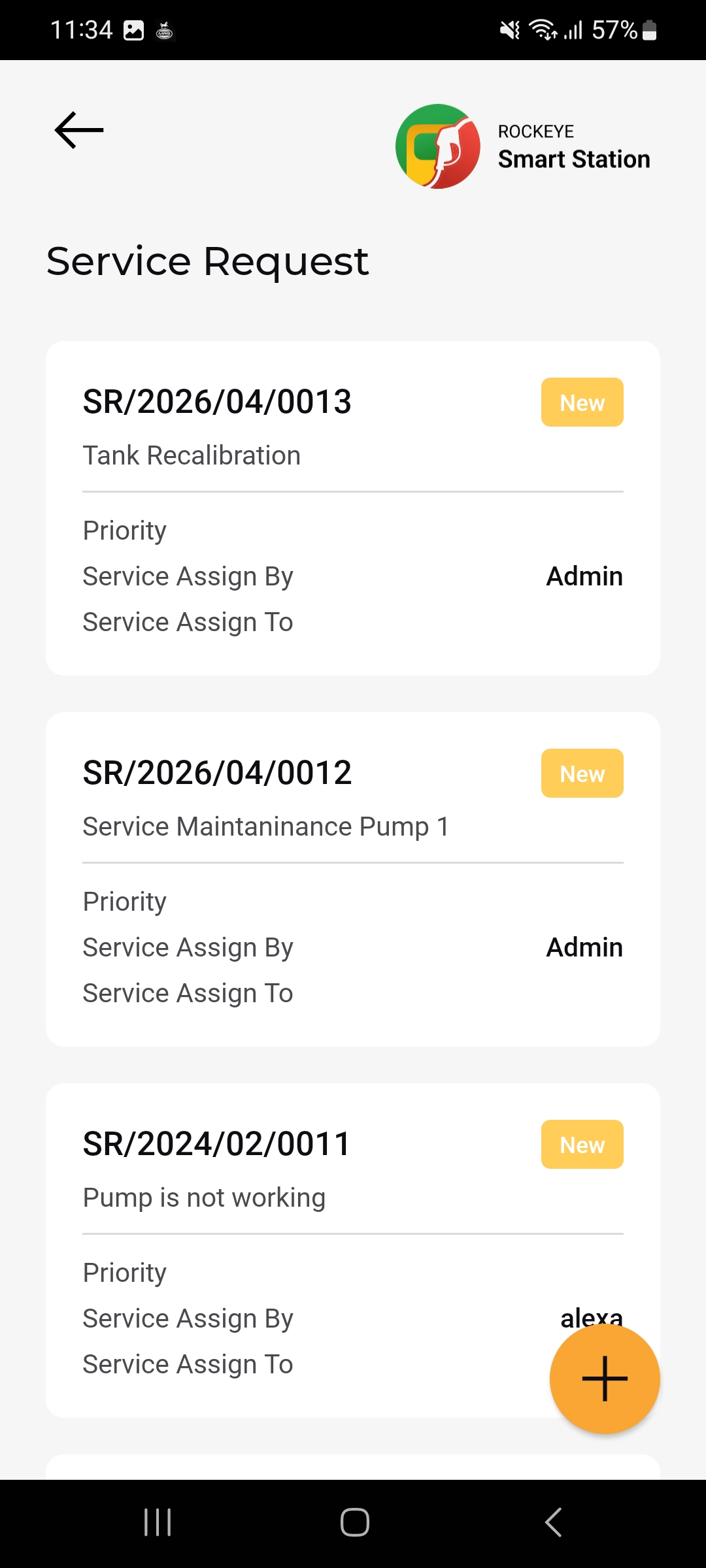
- The Service Request list opens, showing each request as a card, most recent first.
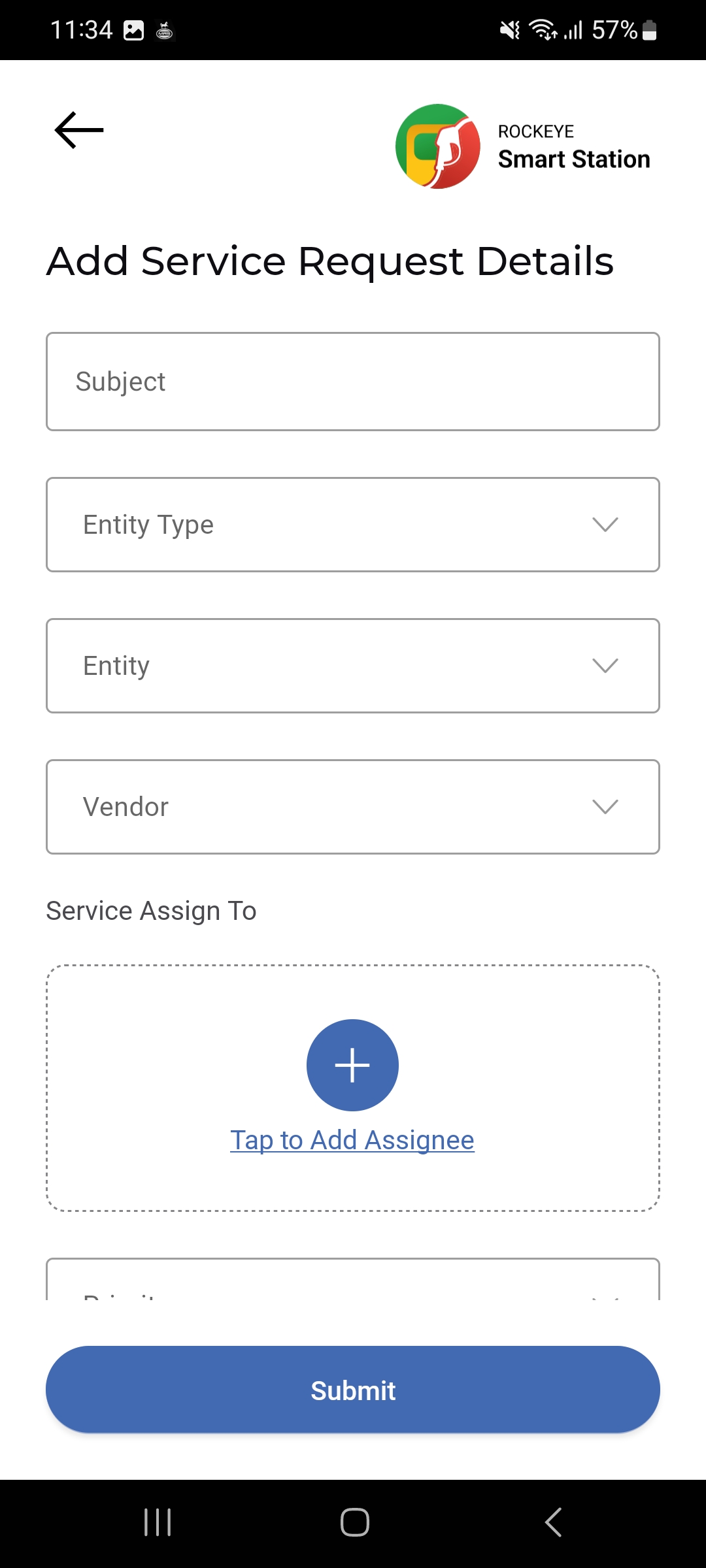
- Tap the (+) button to raise a new service request.
Service Request List
Each request card shows:
- Request Reference
- Status
- Request Title: A short description of the issue
- Priority: The urgency level assigned to the request
- Service Assign By: Who raised/assigned the request
- Service Assign To: Who the request is assigned to for resolution
Other Applicable Actions
- Use the filter icon to narrow service requests by status, priority, or location.
- Scroll the list to review all open and past service requests.

