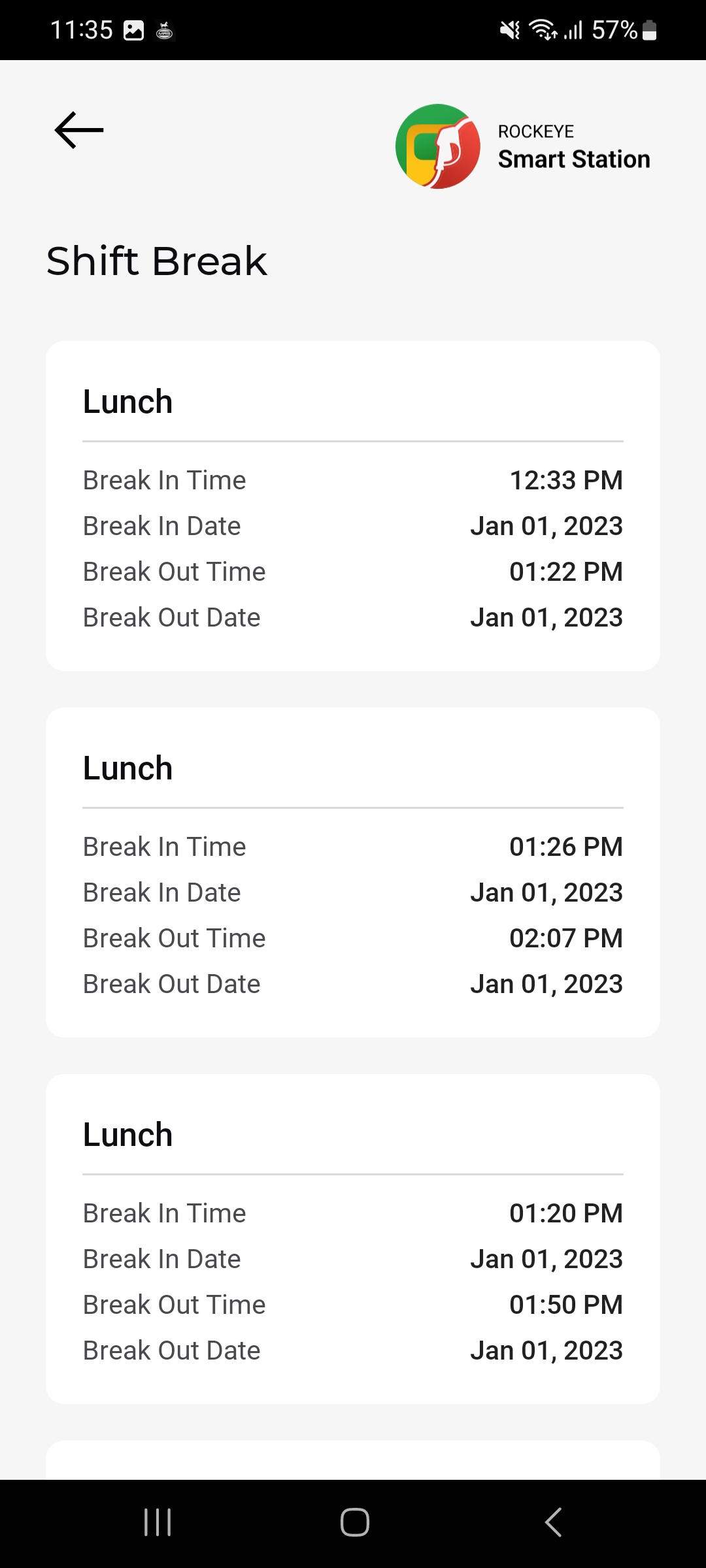
Attendance Punch Shift & Shift Break
Introduction / Purpose
This module records staff attendance at the location level — each attendant's daily clock-in/clock-out punch, total working hours, and any lunch/break sessions taken during that day. It is separate from Attendant Shifts (Section 7), which tracks pump-side sales shifts.
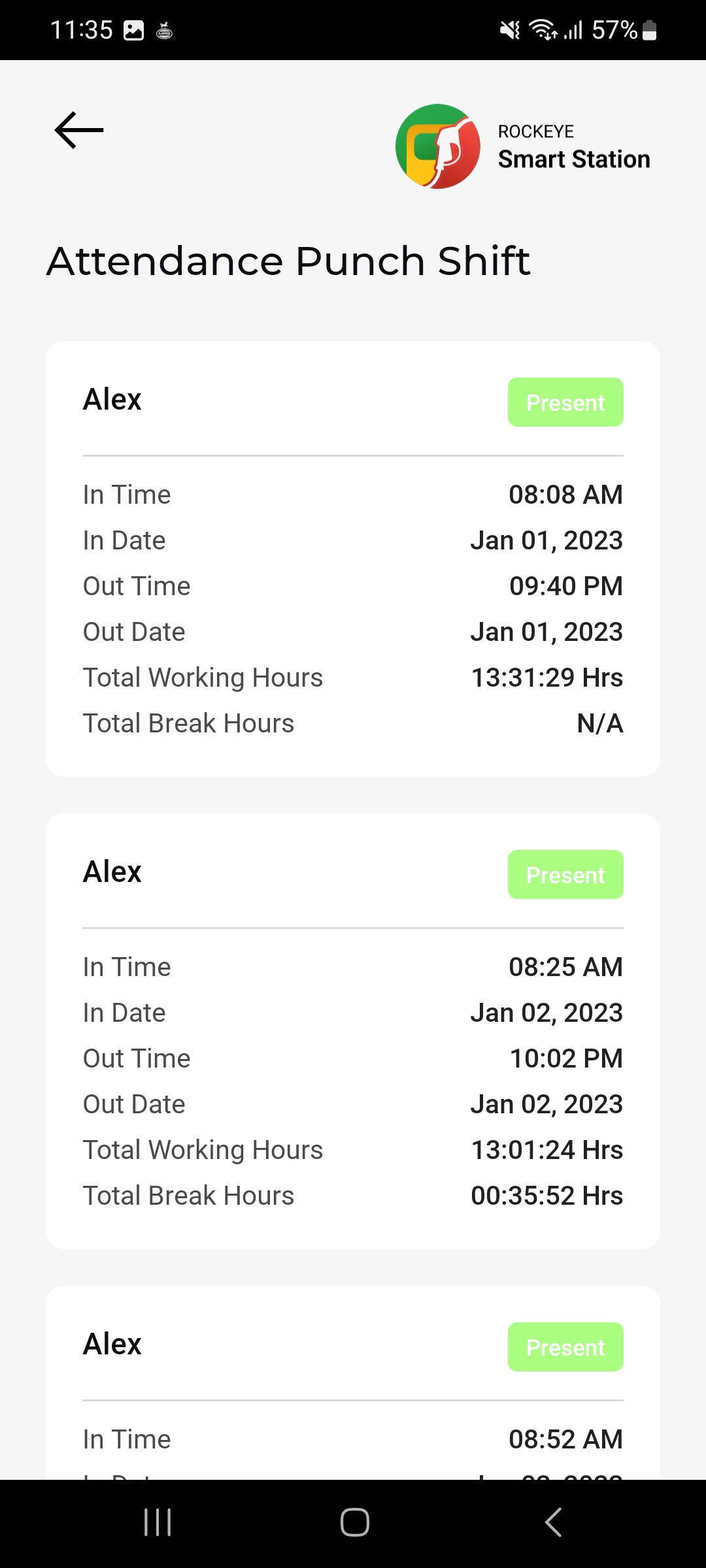
Attendance Punch Shift
How to Navigate
- From Home or the relevant Menu entry, open Attendance Punch Shift.
- The Attendance Punch Shift list opens, showing each attendance record as a card
Attendance Punch Shift Card Details
Each attendance card shows:
- Attendant Name:
- Status badge: .
- In Time / In Date: The clock-in timestamp for the day
- Out Time / Out Date: The clock-out timestamp for the day
- Total Working Hours: The calculated duration between In Time and Out Time
- Total Break Hours: The total time spent on break that day, or N/A if no break was recorded.
Shift Break
How to Navigate
- From an attendance record, or the relevant Menu entry, open Shift Break.
- The Shift Break list opens, showing each break session as a card, labeled by break type.
Shift Break Card Details
Each break card shows:
- Break Type:
- Break In Time / Break In Date: When the break started
- Break Out Time / Break Out Date: When the break ended
Other Applicable Actions
- Cross-check the Total Break Hours figure on an Attendance Punch Shift card against the individual Break In/Out sessions listed under Shift Break.