Maintenance Activities
Maintenance Activities logs upkeep work performed on station equipment (tanks, pumps, etc.), including who performed it, when, and when it is next recommended.
How to Navigate
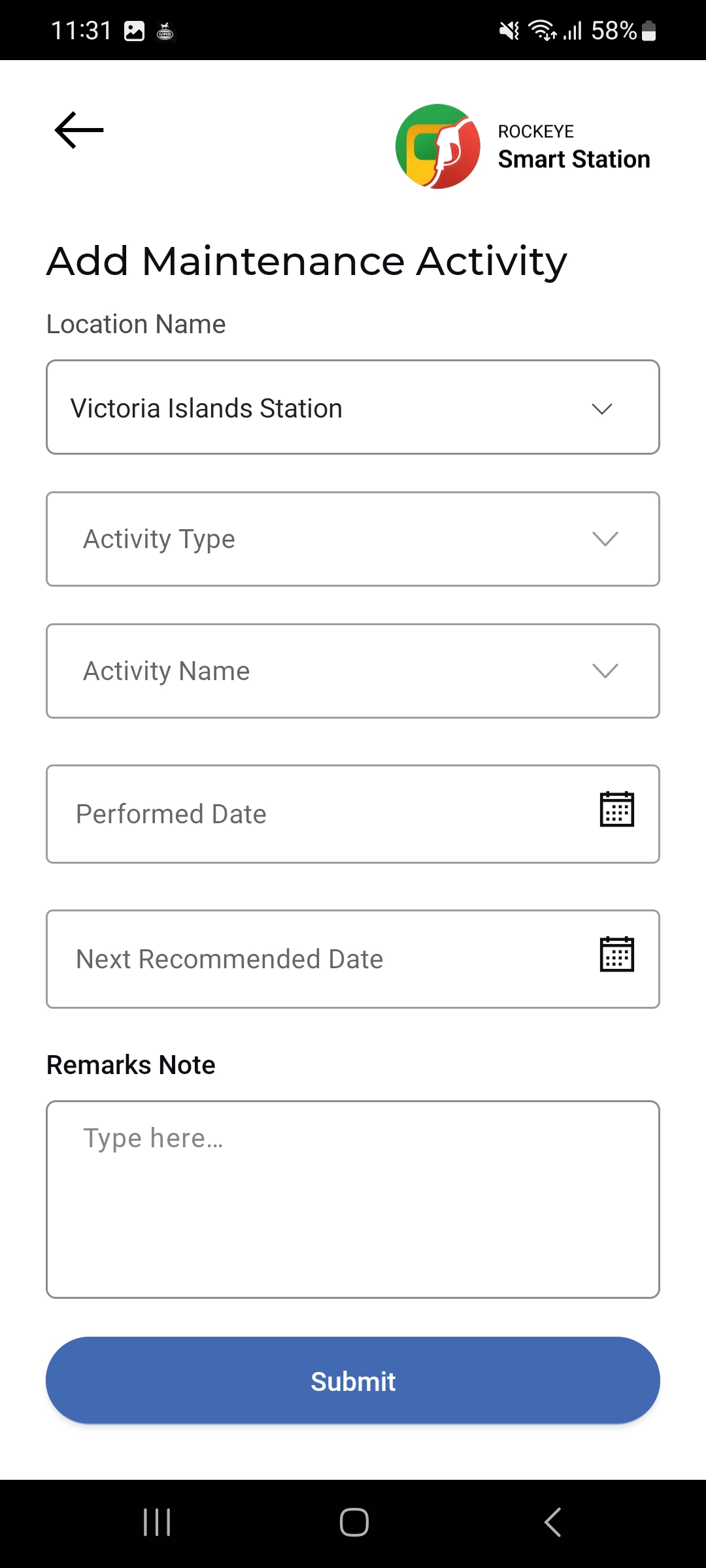
- Open Menu > Location Management > Maintenance Activities.
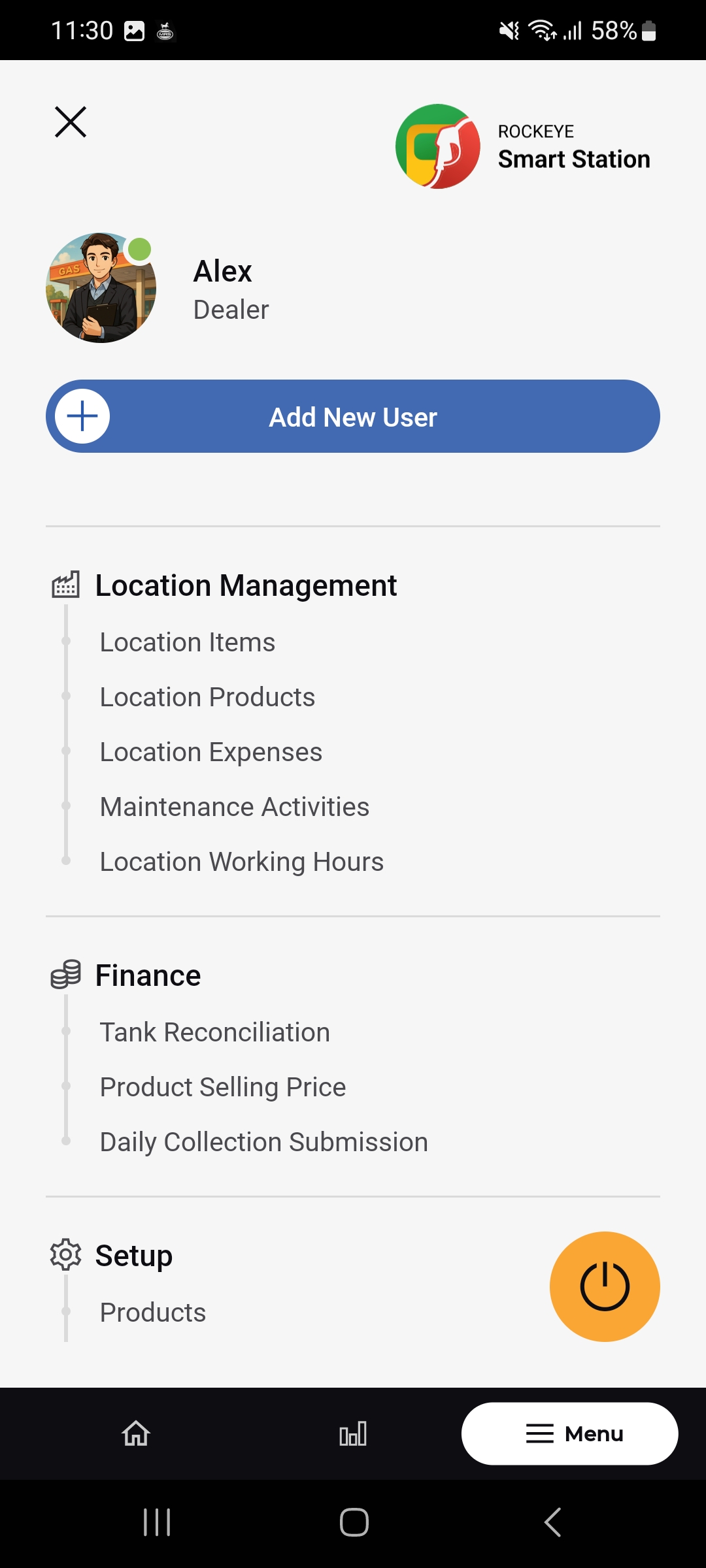
- The Maintenance Activities list opens, showing each activity as a card.
- Tap the (+) button to log a new activity.
Maintenance Activities List
Each activity card shows:
- Activity Name & Category
- Performed On
- Added By / Updated By: Who logged the activity and who last updated it, or N/A.
- Date – Performed: When the activity was carried out.
- Date – Added: When the record was created.
- Date – Updated: When the record was last updated, or N/A.
- Date – Next Recommended: The suggested date for the next occurrence of this activity.
- Pencil (Edit) icon: Opens the activity for editing.
Add a Maintenance Activity
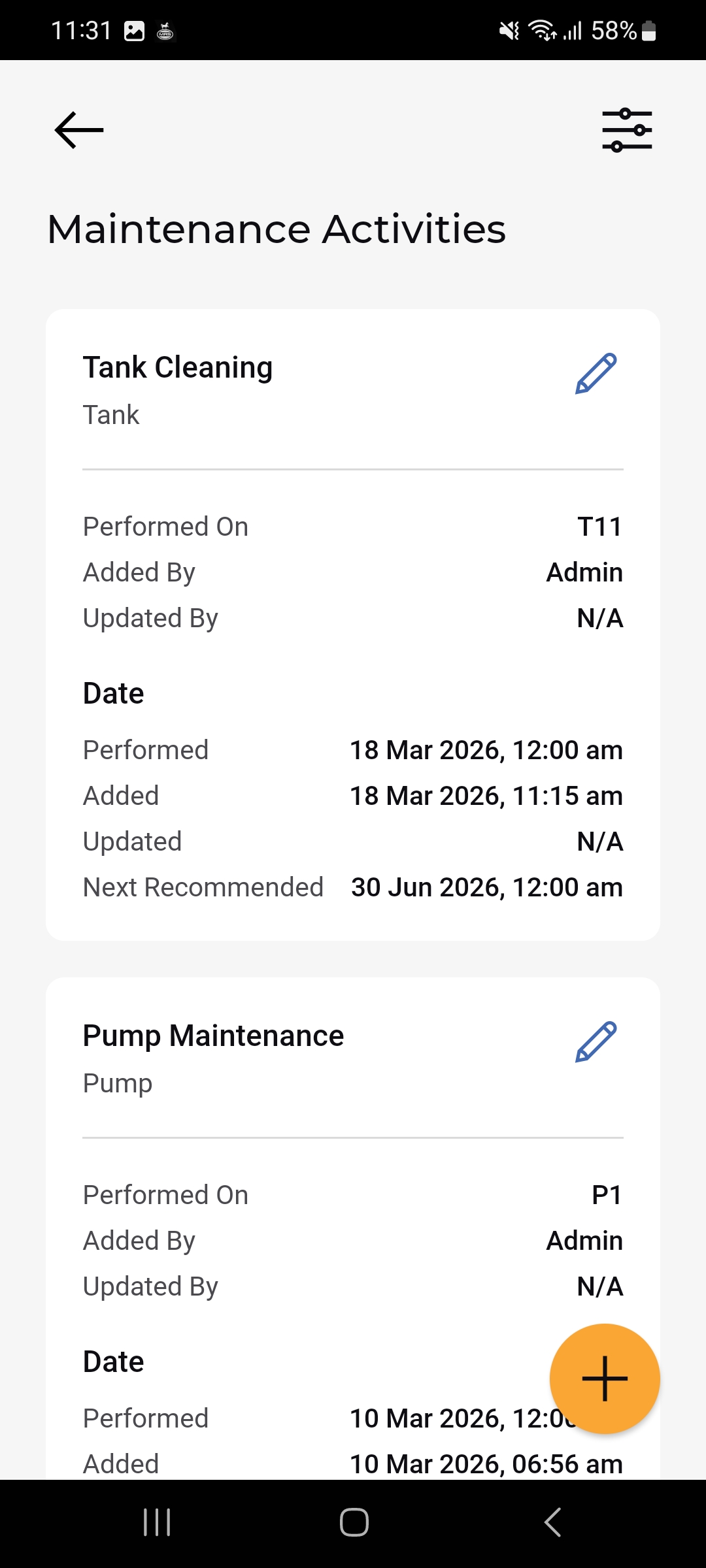
- Tap the (+) button on the Maintenance Activities list.
- Select the Location Name.
- Select the Activity Type.
- Select the Activity Name.
- Set the Performed Date using the calendar picker.
- Set the Next Recommended Date using the calendar picker.
- Optionally add a Remarks Note.
- Tap Submit to save the activity.