Location Expenses
Location Expenses records operating costs incurred at a station — tank-related expenses, generic repairs, and similar outlays — with supporting attachments.
How to Navigate
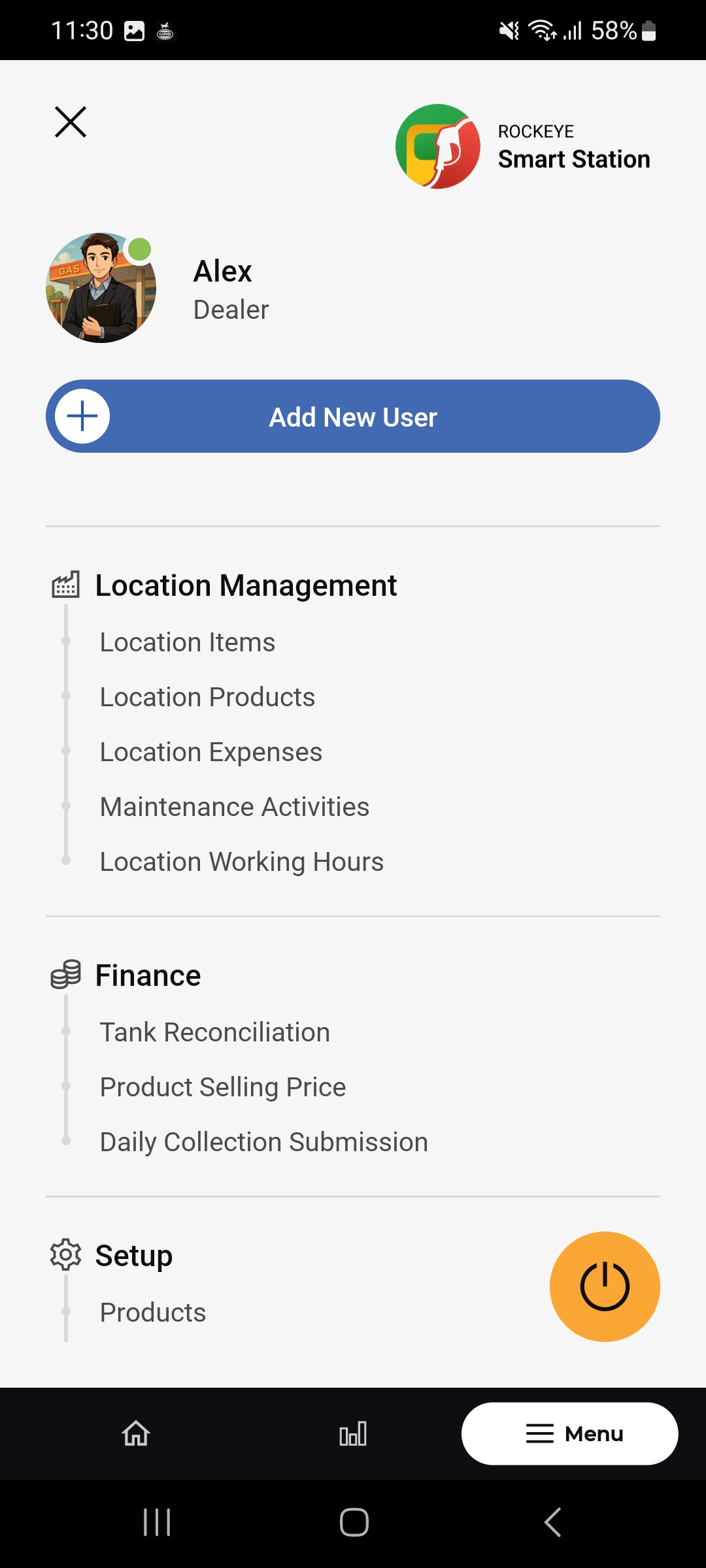
- Open Menu > Location Management > Location Expenses.
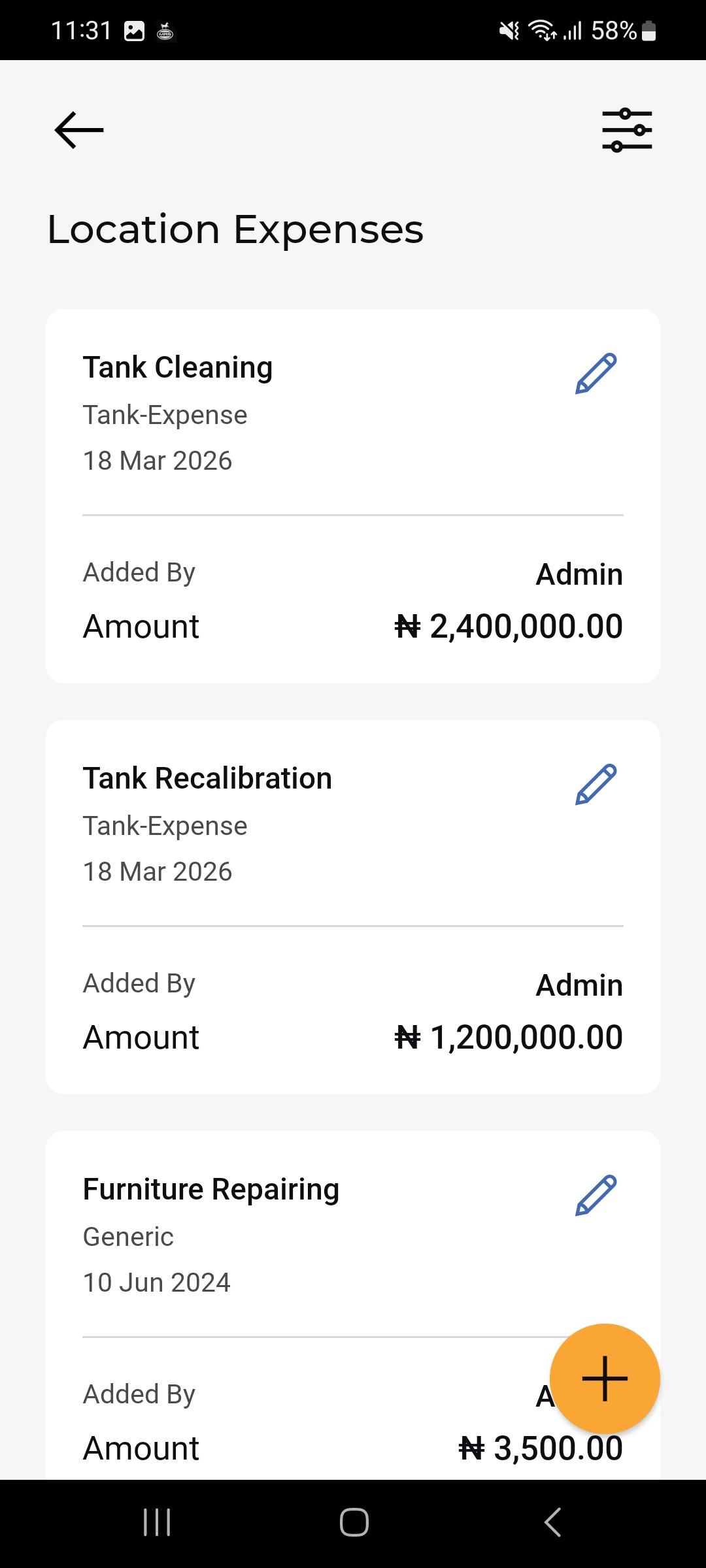
- The Location Expenses list opens, showing each expense as a card.
- Tap the floating (+) button to record a new expense.
Location Expenses List
Each expense card shows:
- Expense Name
- Expense Category
- Expense Date
- Added By: Who recorded the expense
- Amount: The recorded cost
- Pencil (Edit) icon: Opens the expense for editing.
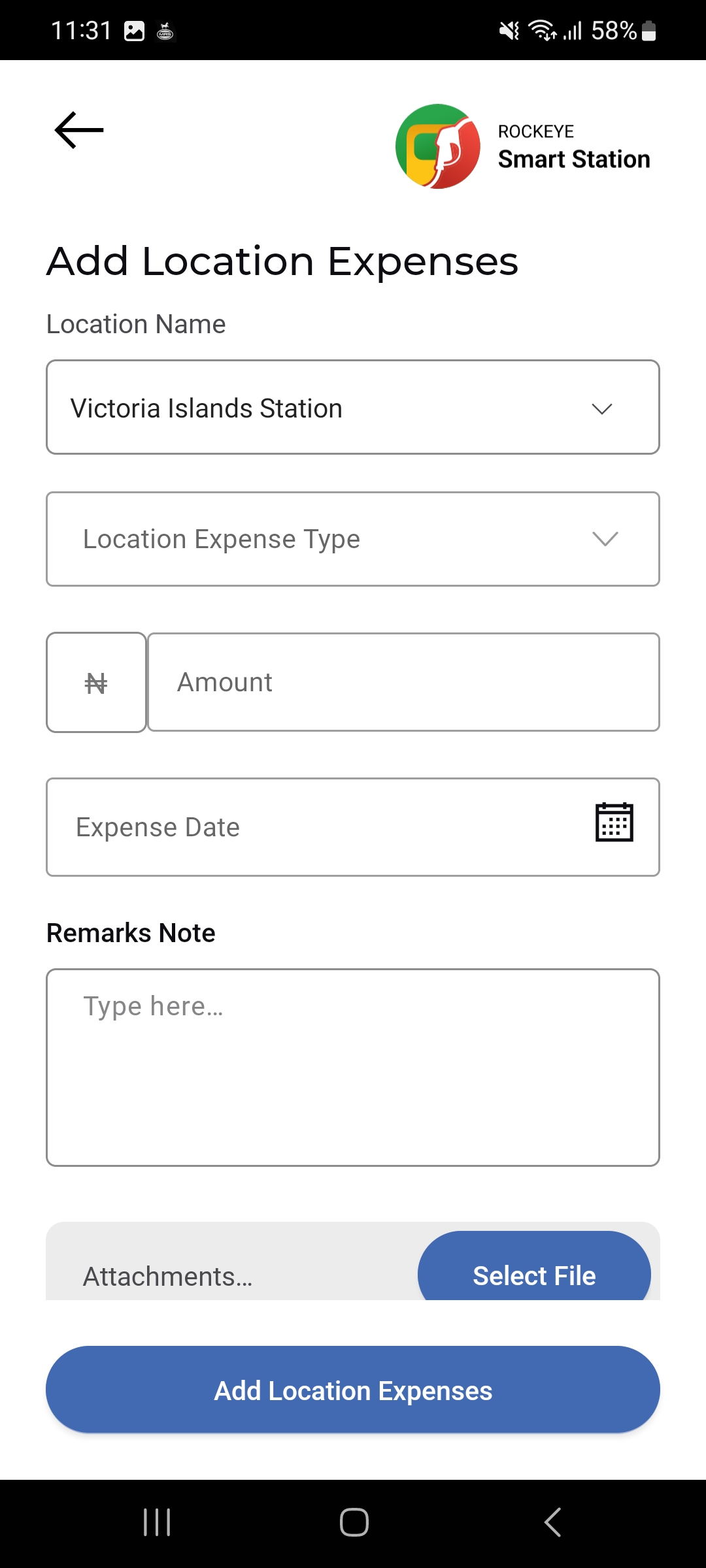
Add a Location Expense
- Tap the floating (+) button on the Location Expenses list.
- Select the Location Name.
- Select the Location Expense Type.
- Enter the Amount.
- Set the Expense Date using the calendar picker.
- Optionally add a Remarks Note.
- Optionally attach supporting documents via Attachments > Select File.
- Tap Add Location Expenses to save.