Location Products
Location Products lists the non-fuel products sold or used at a station (ready-made goods, dairy items, etc.) alongside fuel-related liquid products, each with pricing and status.
How to Navigate
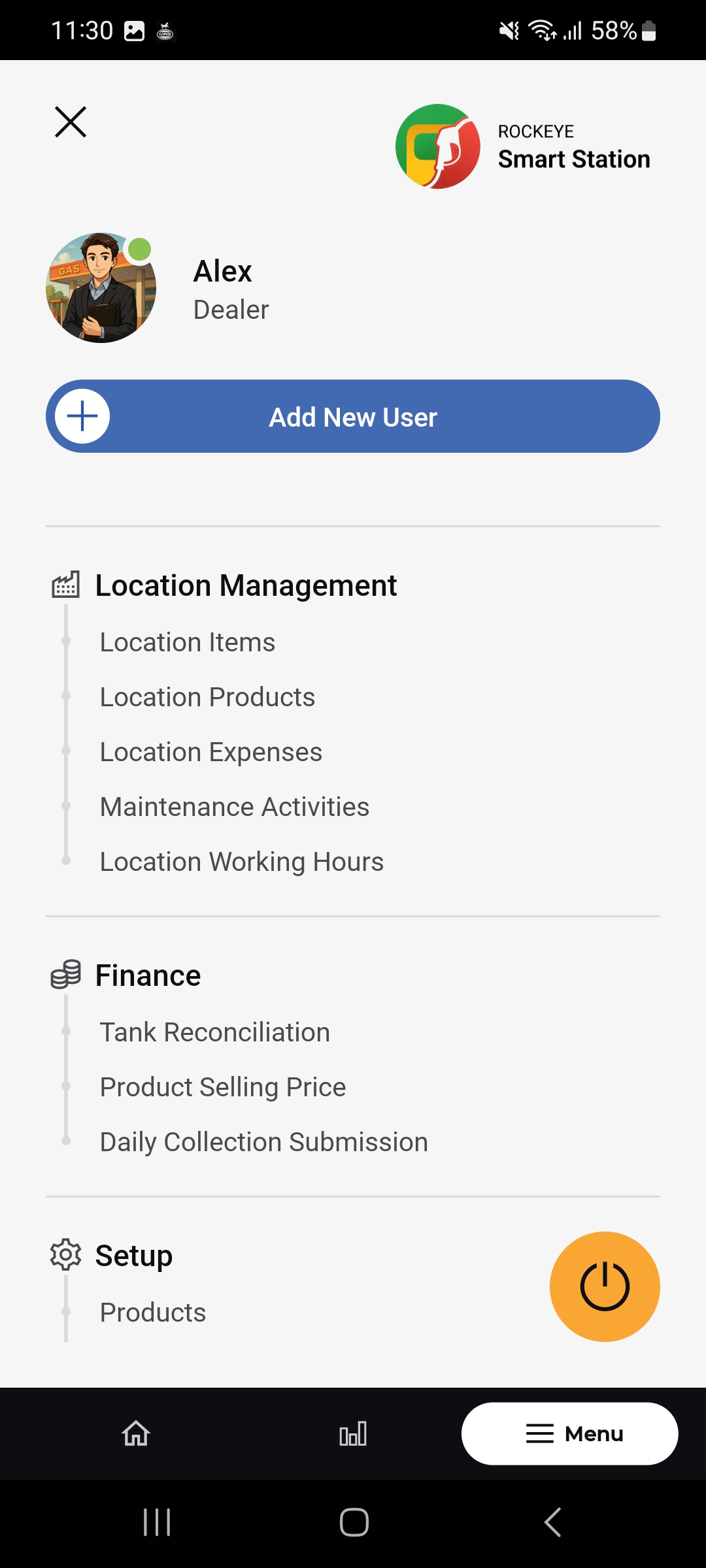
- Open Menu > Location Management > Location Products.
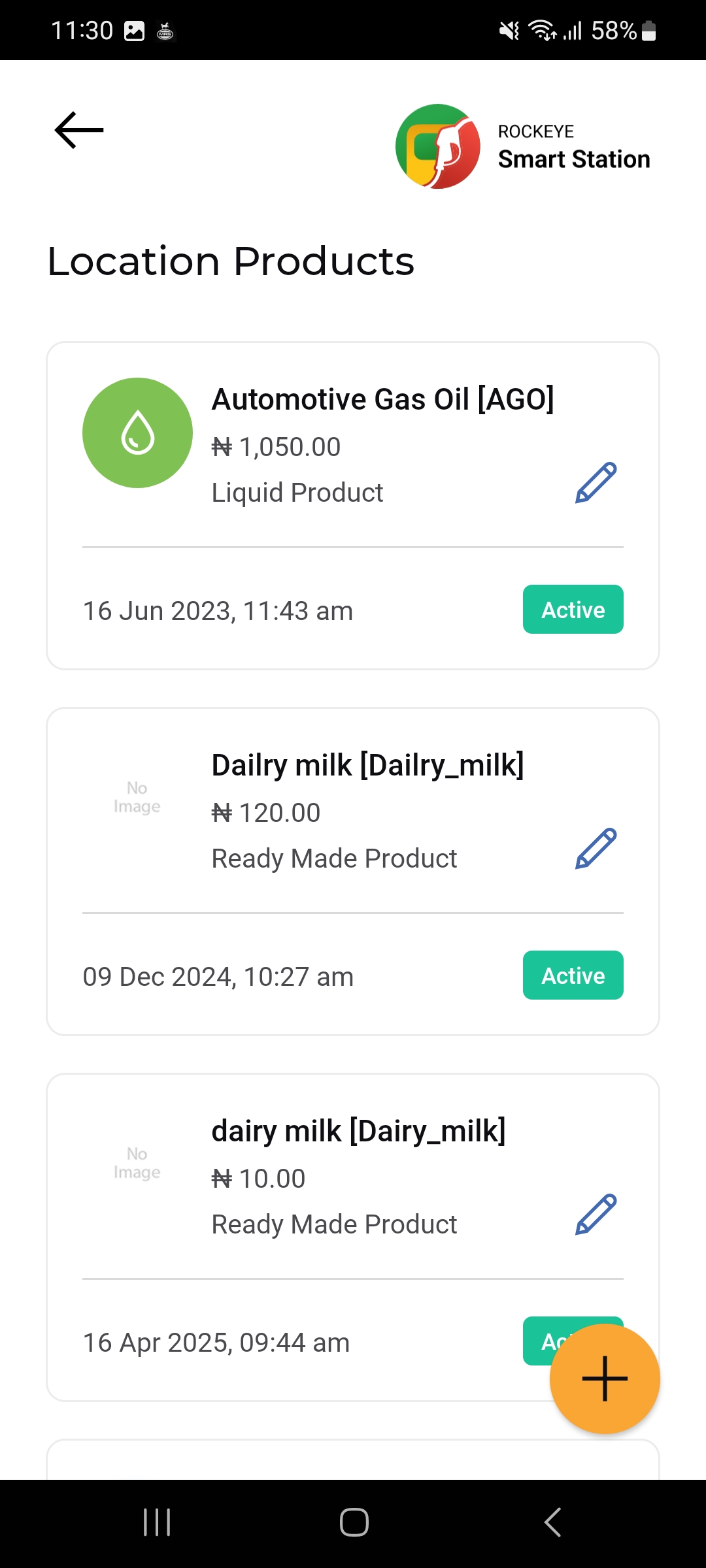
- The Location Products list opens, showing each product as a card.
- Tap the (+) button to add a new product.
Location Products List
Each product card shows:
- Product Name & Code
- Price
- Category
- Edit icon: Opens the product for editing.
- Date & Status: When the product was added/last active, with an Active status badge.
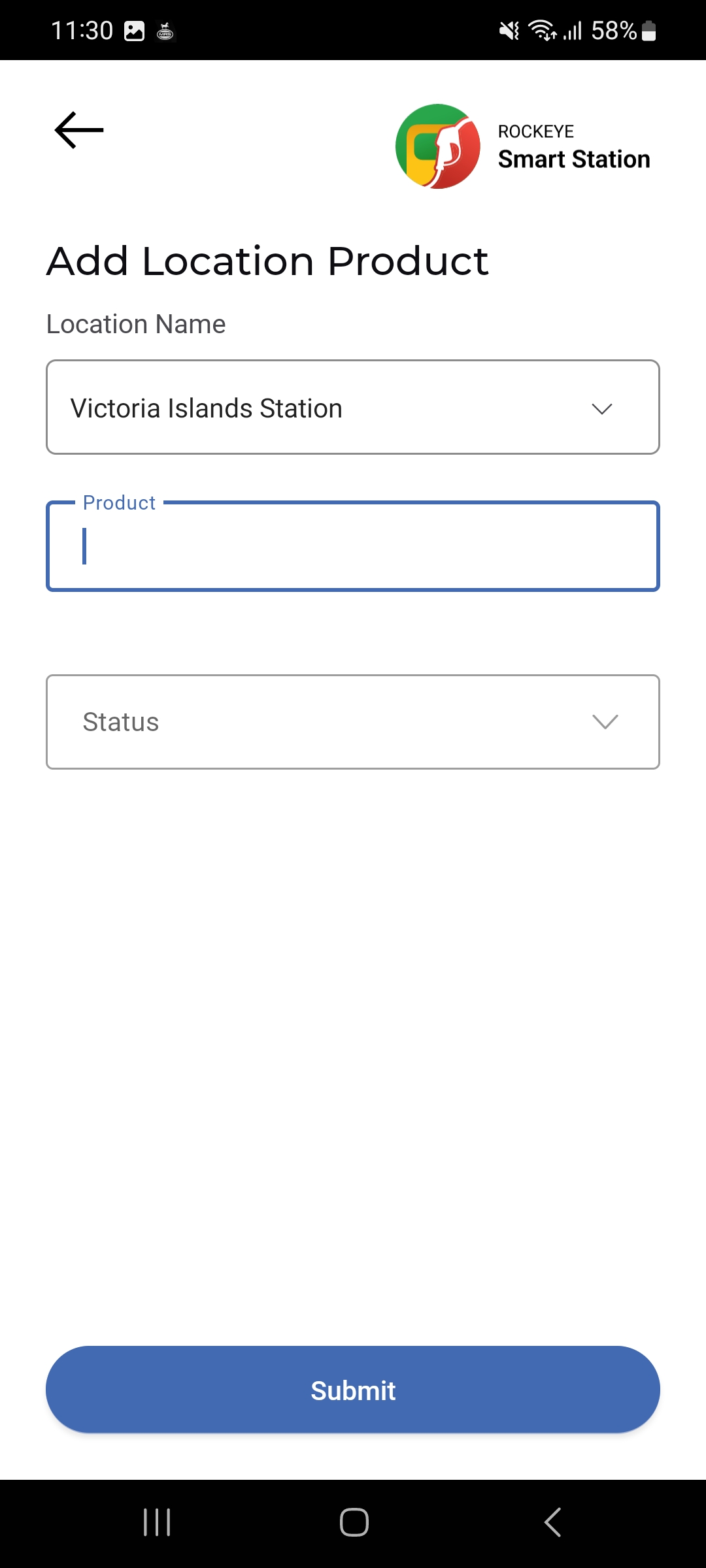
Add a Location Product
- Tap the (+) button on the Location Products list.
- Select the Location Name.
- Enter or select the Product.
- Select a Status.
- Tap Submit to save the product.