Tank Delivery Log
Introduction / Purpose
The Tank Delivery Log records each fuel delivery received into a tank — volume, cost price, product, tank, and the delivery time window — providing a traceable record of incoming fuel supply.
How to Navigate
- From Home, tap Delivery Log, or the relevant Menu entry.
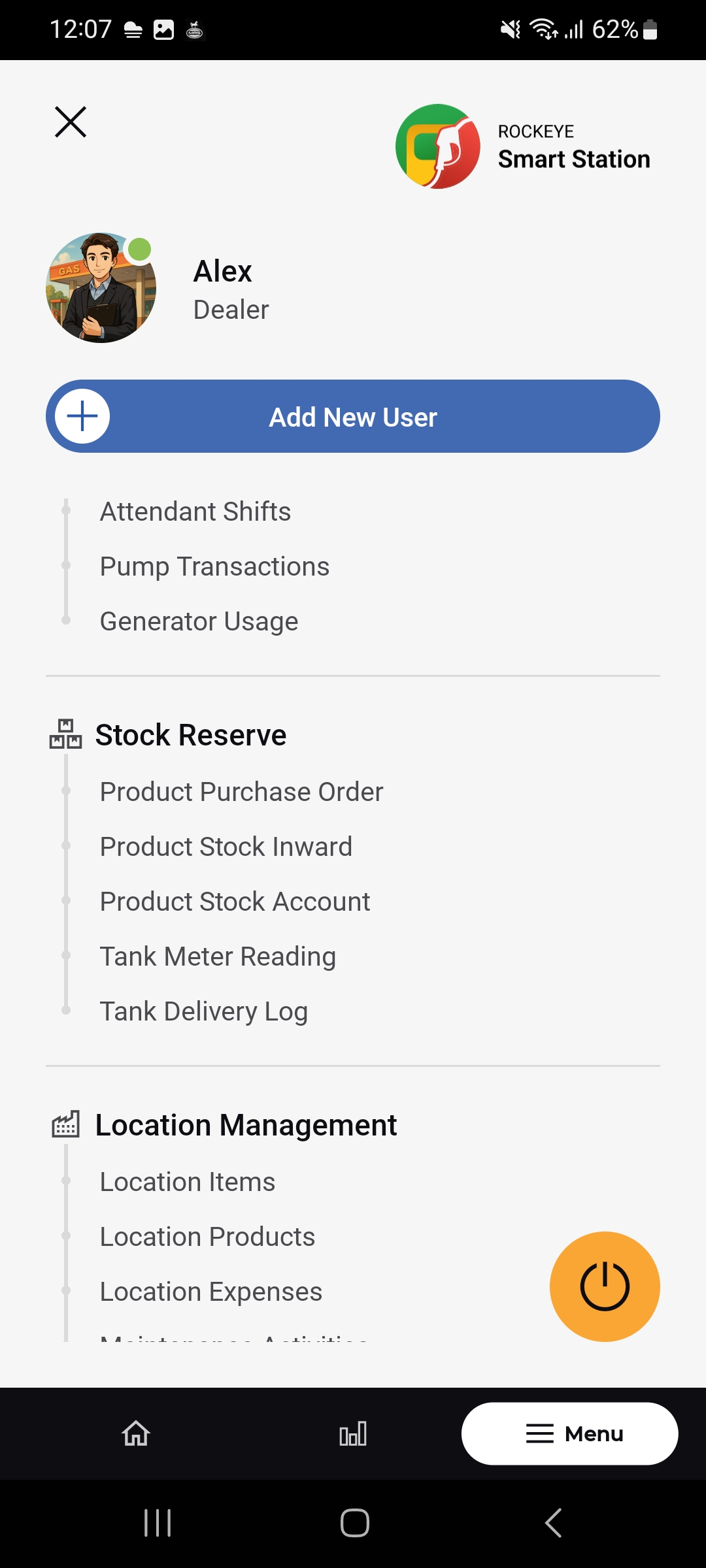
- The Tank Delivery Log list opens, showing each delivery as a card, most recent first.
- Use the filter icon (top-right) to narrow the list.
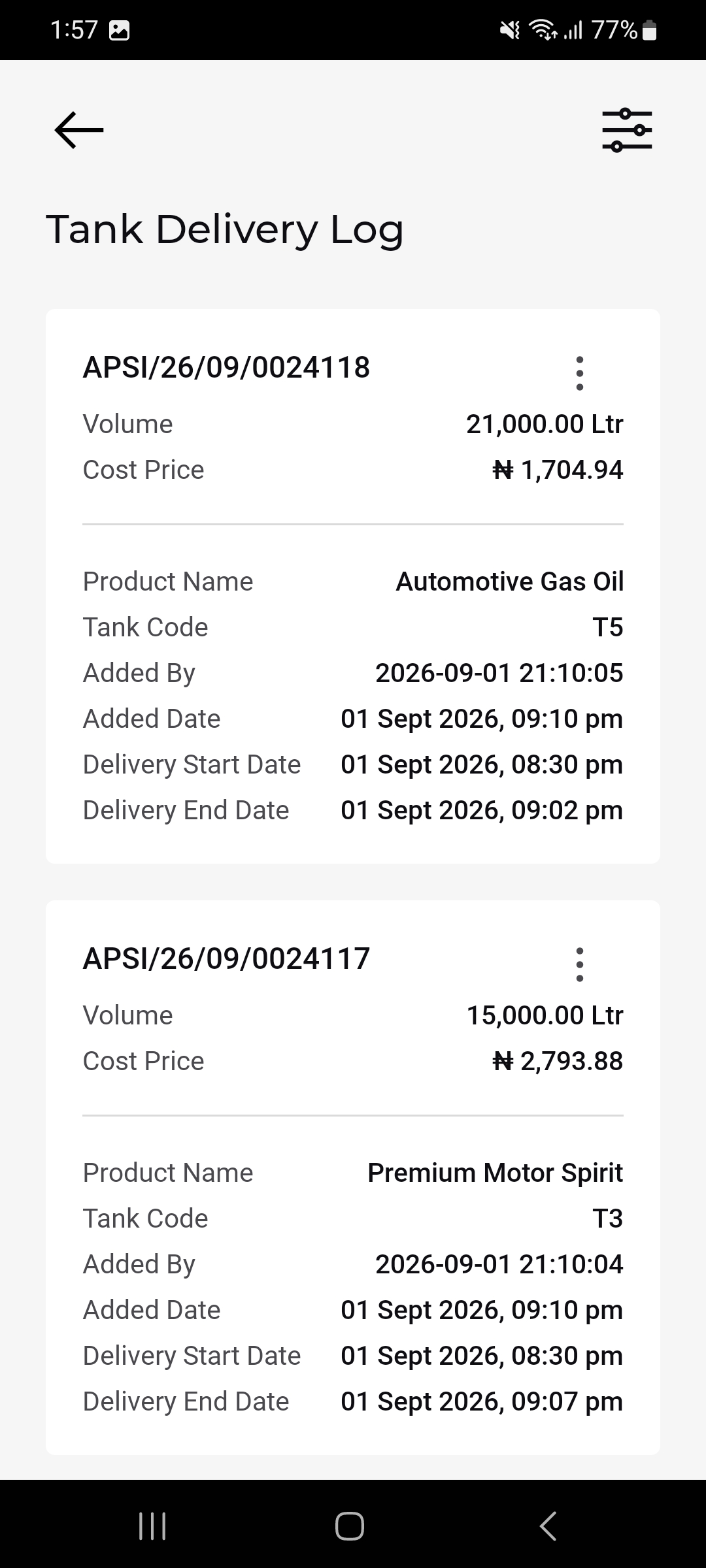
Tank Delivery Log List
Each delivery card shows:
- Delivery Reference: e.g. APSI/26/09/0024118.
- Volume: Litres delivered
- Cost Price: Cost price per unit for the delivery.
- Product Name:
- Tank Code: The tank the delivery was received.
- Added By: System timestamp identifying who logged the delivery.
- Added Date: When the delivery record was created.
- Delivery Start Date / Delivery End Date: The time window over which the delivery took place.
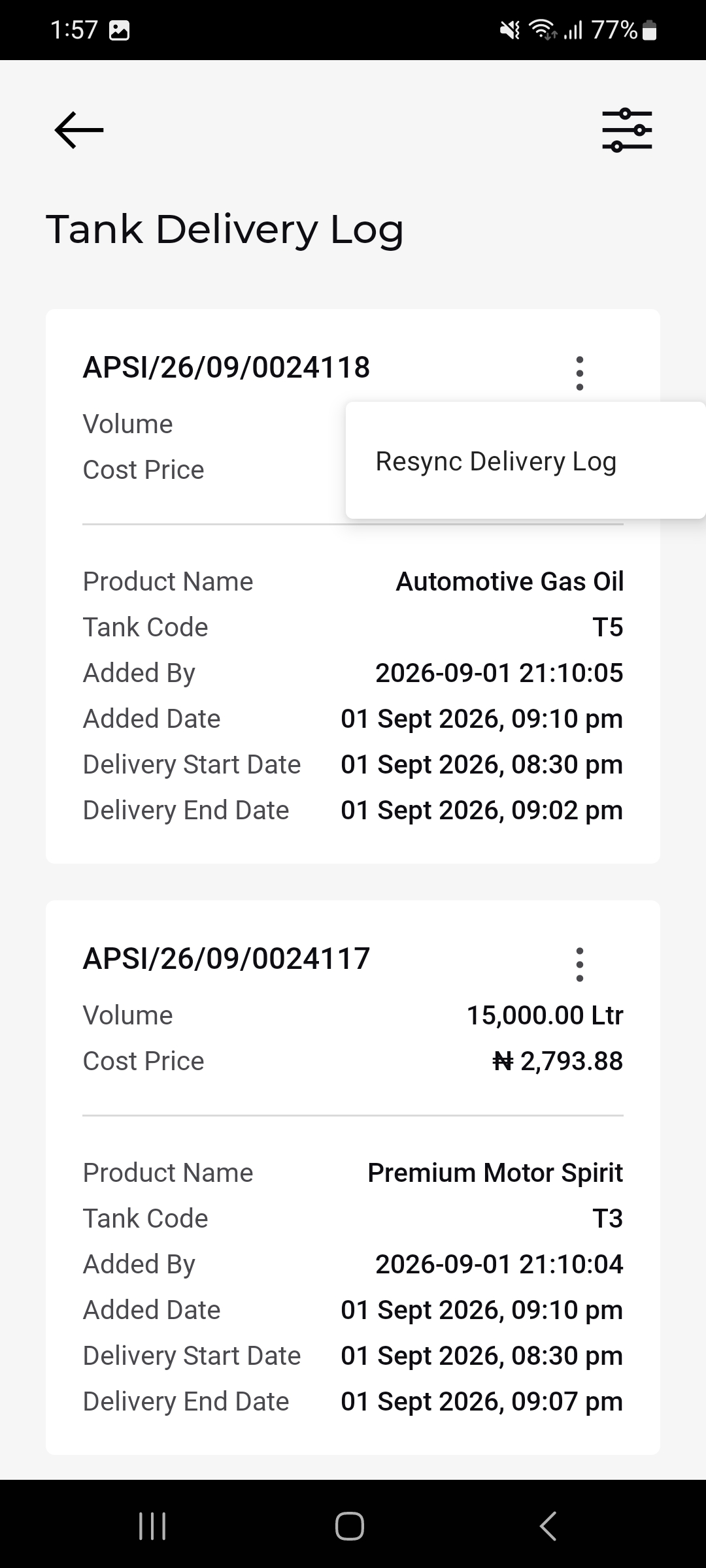
Delivery Log Actions – Resync
The 3-dot menu on a delivery card offers Resync Delivery Log, used to re-synchronize that delivery record with the server.
Other Applicable Actions
- Use the filter icon to narrow deliveries by tank, product, or date

