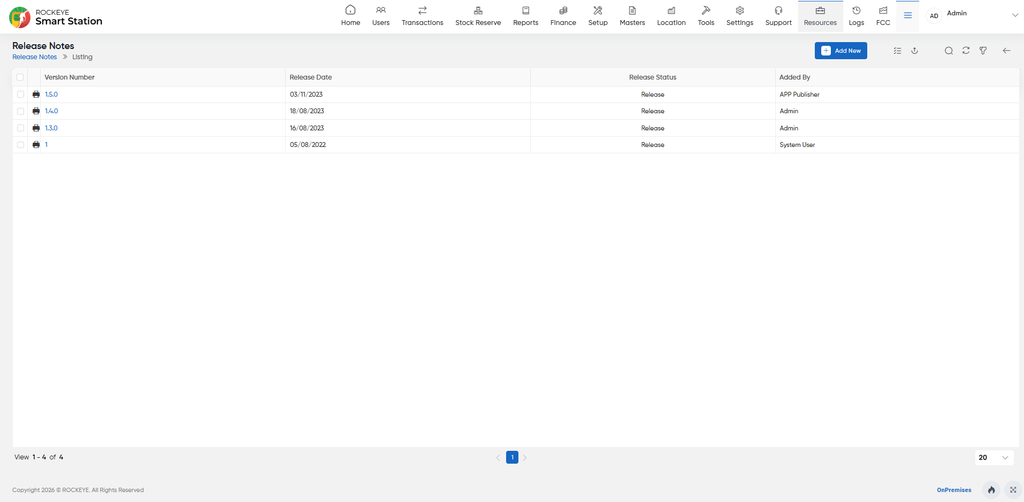
Release Note
Introduction/Purpose
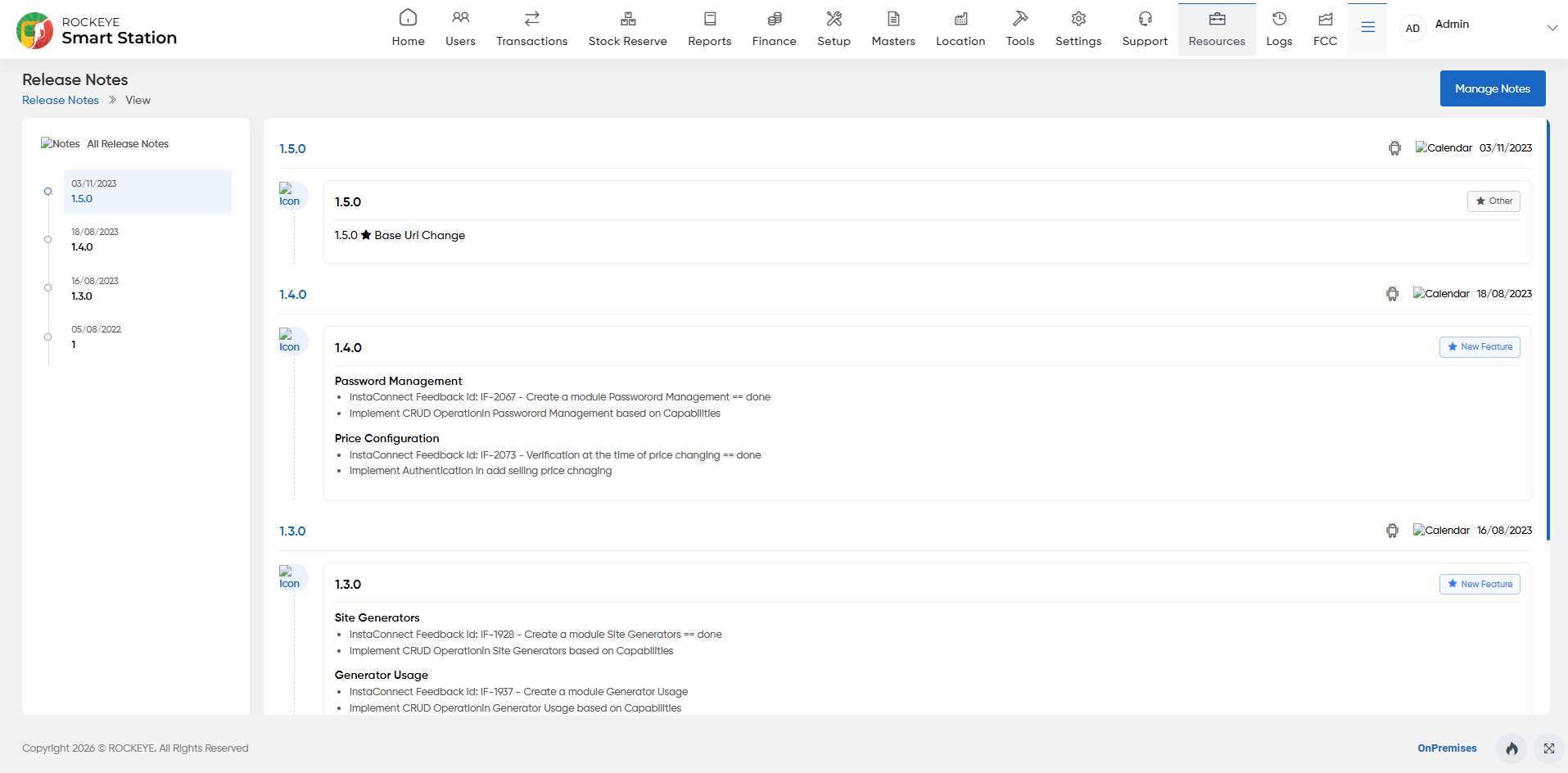
The Release Note module serves as a central module within the application, allowing users to access information about newly introduced features along with their respective publication dates.Its primary purpose is to keep users informed about updates and enhancements made to the application, enabling them to stay current with the latest functionalities and improvements.
How to Navigate:
The navigation to view the release note module in smart station are as follows:
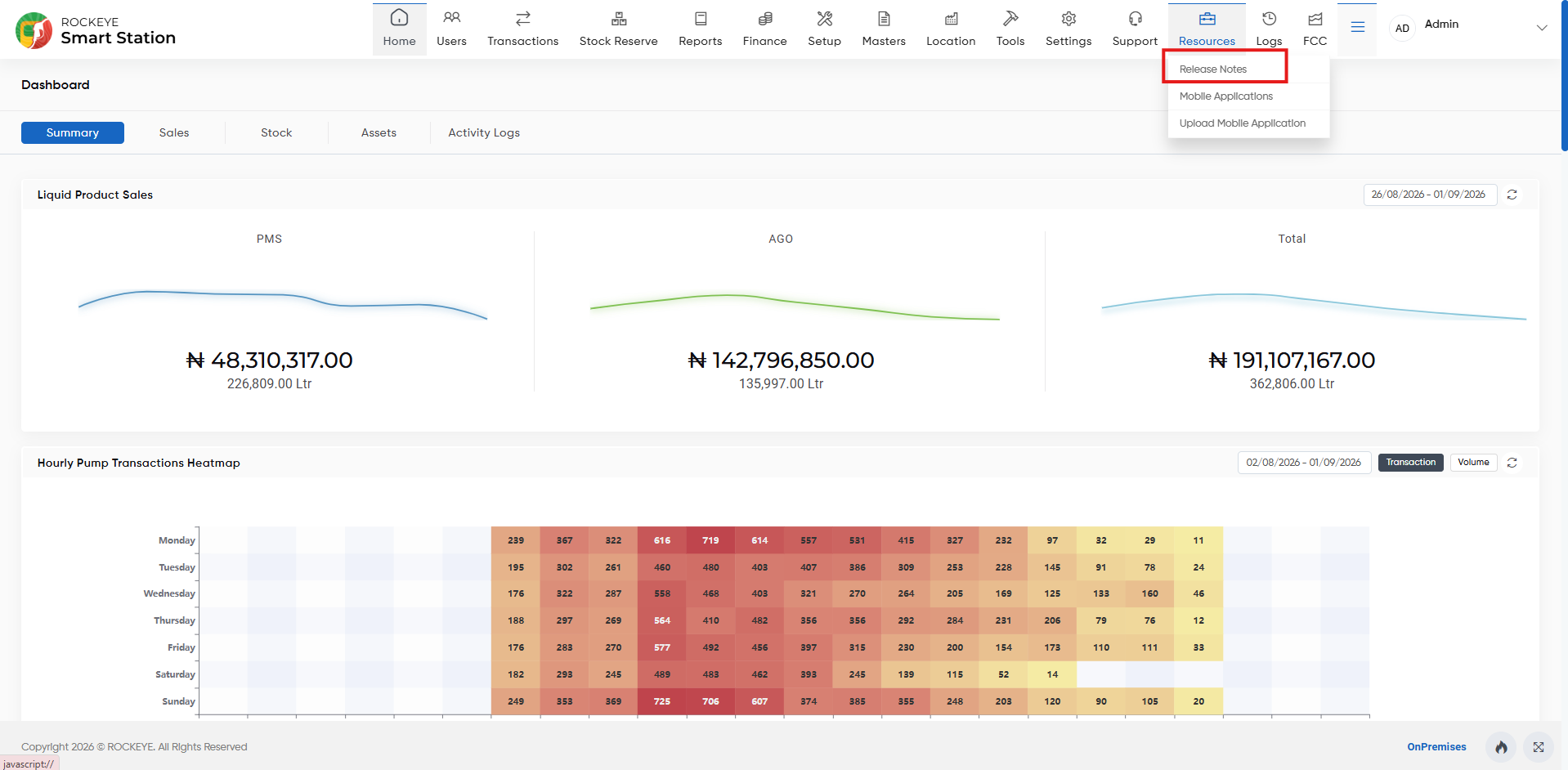
- Click on the resources tab, which is located at the top of the screen, and then click on the release note section. After clicking on this, user can navigate to the release note listing page.
Listing:
By presenting a detailed listing of new features along with their publication dates, the Release Note module ensures transparency and facilitates informed decision-making for users.
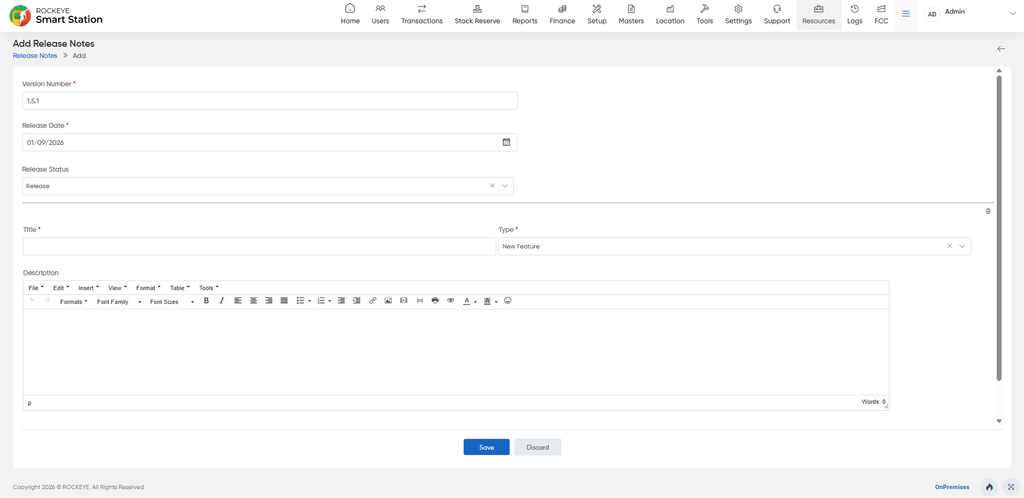
Release Notes – Add
The Add Release Notes page allows users to create a new release note by entering the relevant release and change details.
Release Details
- Version Number* – Enter the version number for the release.
- Release Date* – Select the release date.
- Release Status – Select the applicable status of the release.
Release Information
- Title* – Enter the title of the release note.
- Type* – Select the type of release, such as New Feature.
- Description – Enter a detailed description of the feature, enhancement, fix, or other changes included in the release. The editor provides formatting options for organizing the content.
Actions
- Save – Saves the release note.
- Discard – Cancels the entry without saving the release note.