
Human Resource
-
Dashboard
-
My Info
-
Leave
-
Attendance
-
Expense
-
Asset
-
Loan & Advance
-
Payslip
-
Survey
-
Training and Development
-
Employee Enrollment
-
News & Announcement
-
Employee Exit Management
-
Employee Approvals
-
Employee Self Service
-
Induction Program
-
Transactions
-
Masters
-
Transactions
-
Masters
-
Organisation Setup
-
Accounts & Document
-
Employee Config
-
General Masters
-
Employment Setup
-
Geo Location
-
Employee Setup
-
Operational Masters
-
Masters
-
Others
- Articles coming soon
-
Transaction
-
Masters
-
Loan & Advance
-
Expense Reports
-
Employee Reports
-
Employee Payroll Reports
-
Leave
-
Others
HRMS

Manage Overtime Requests
in HRMS | ROCKEYE ERP
Human Resource Management
Complete Employee Exit
Settlement with ROCKEYE

Complete Salary Structure
in Human Resource
Management
Configure Company Master
& Entity Controls
with ROCKEYE Attendance
Management System

Plan & Manage Annual
Employee Leave with
ROCKEYE HRMS | Leave
Planner Guide

Manage Employee
Suspension & Payroll
Sync with ROCKEYE HRMS |
Compliance Guide

Manage Company Assets
& HR Resource
Tracking with ROCKEYE
HRMS | Full Guide

Run & Manage Payroll
Accurately with ROCKEYE
HRMS | Payroll Processing
Guide
Transform Your HR
Processes with Automated
Loan Management
Transform Your HRMS into
a Performance Powerhouse
for Enterprises!
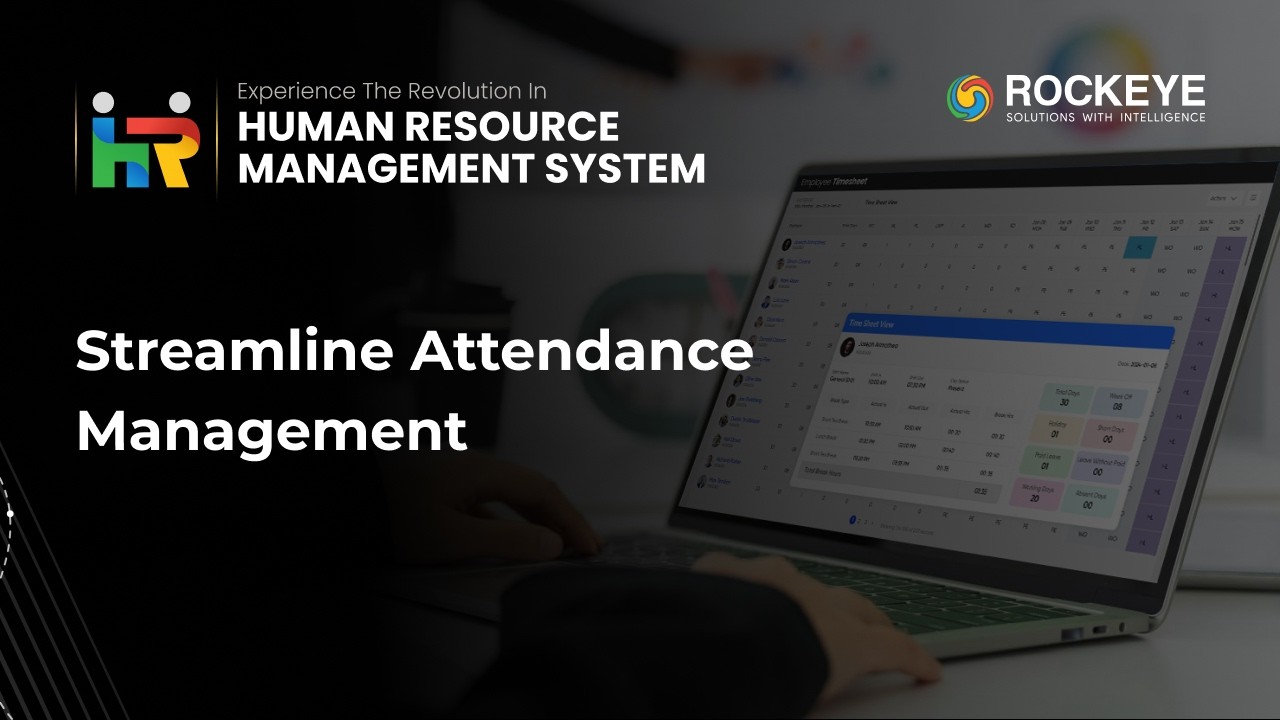
Eliminate Payroll Errors
with Seamless Attendance
Management!

Boost Productivity,
Reduce Turnover, and
Engage Your Team with
Actionable Employee
Feedback

Leave requests should
never slow down your
workflow. Let automation
take over.

Master Your Team's
Time Off with ROCKEYE
HRMS!

Configure Payroll
Contribution Components
with ROCKEYE HRMS | Setup
Guide
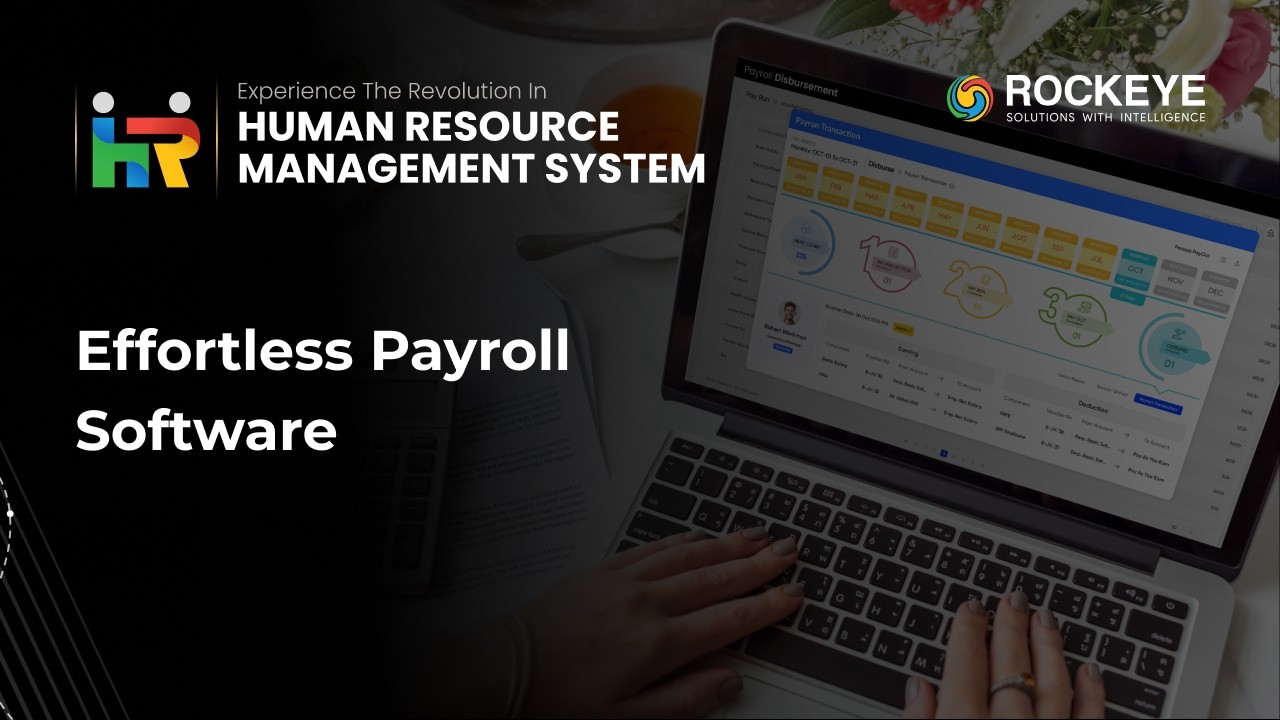
HRMS: The Non-Negotiable
Solution for Effortless
Payroll &
Compensation Management!
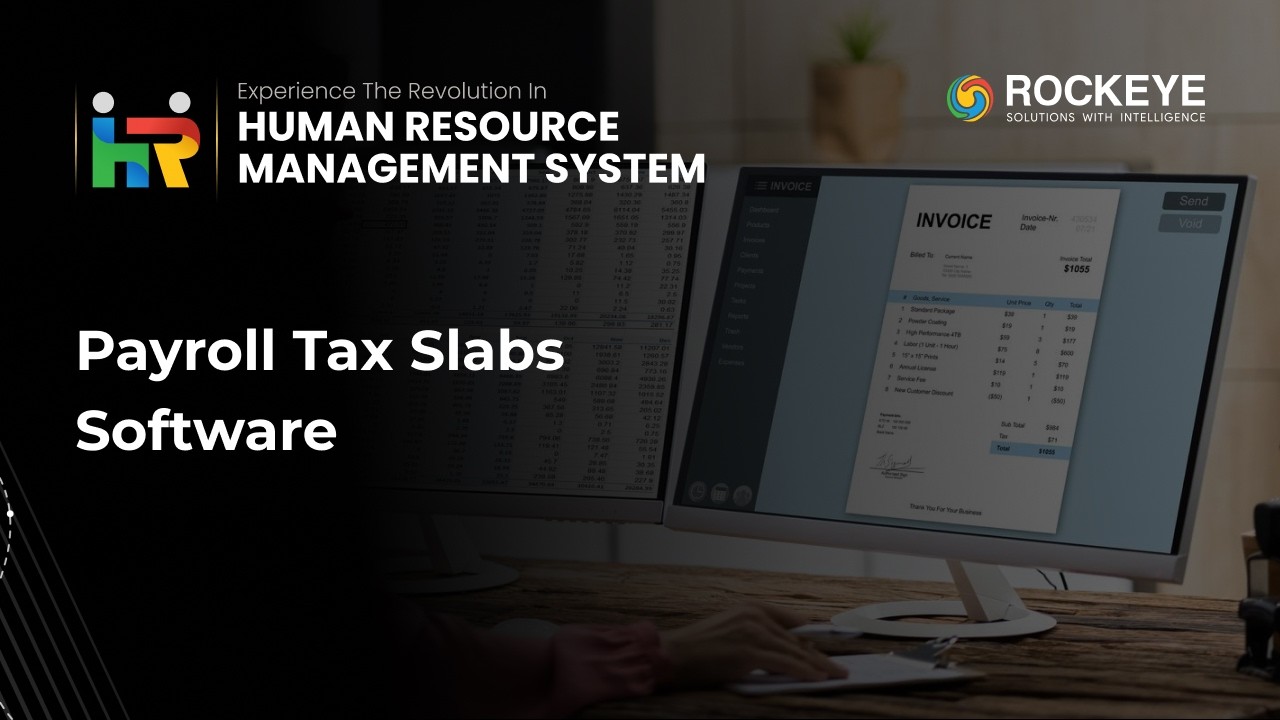
Effortlessly Configure
Payroll Tax Slabs with
HRMS for Seamless
Compliance & Accuracy

Transform Your Payroll
Management: HRMS &
Automation for Seamless
Accuracy & Growth!
Automate Employee Loan
& Advance Management
with HRMS for All
Industry Sizes
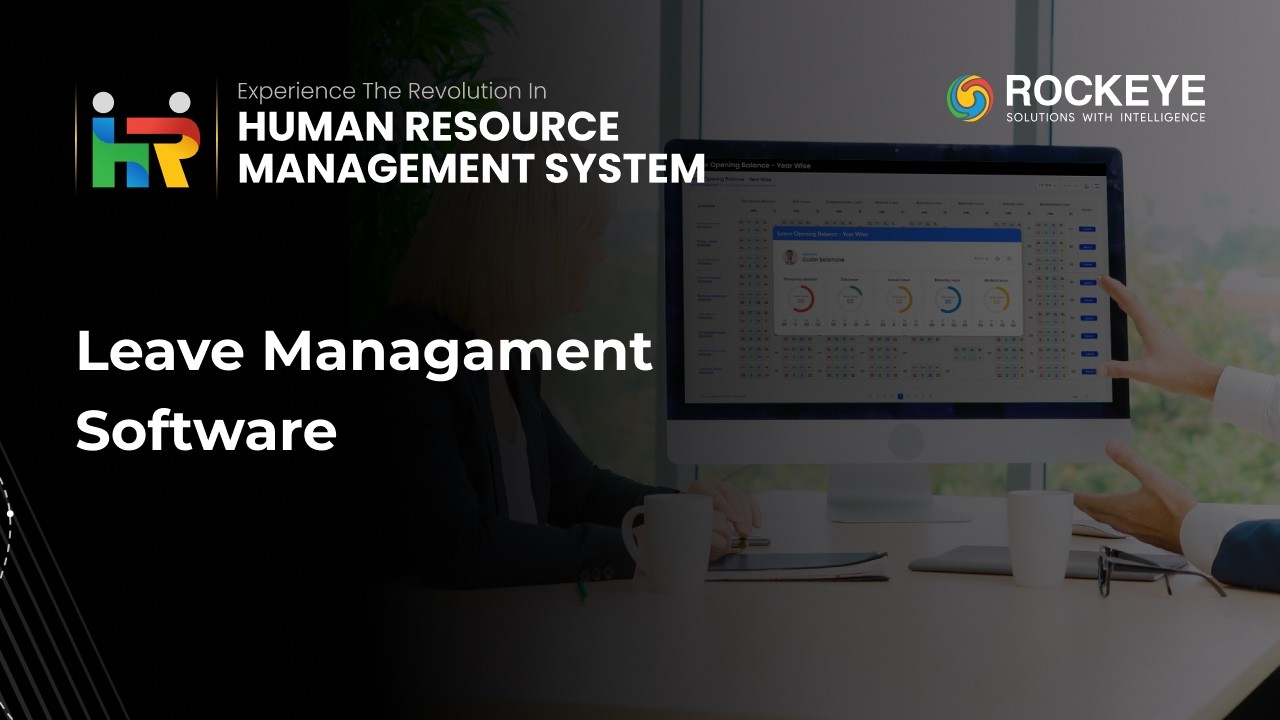
Take Control of FMLA,
ADA, and All Leave
Requests with HRMS for
Seamless Compliance &
Efficiency

Time and Attendance
Software: Shift Master
& Workforce
Scheduling Setup

Break Policy Management
in HRMS
HR Operations Software
for Centralized News
Announcements &
Internal Communication
Human Resource Management
System Guide: Employee
Exit & Separation
Workflow

Human Resource Management
System Guide: Overtime
Policy Setup &
Payroll Automation

Register and Manage
Employee Profiles
ROCKEYE HRMS | Full
Walkthrough for Smarter
Payroll, Attendance &
Performance Management

HRMS Solutions |
Transform Workforce
Management with ROCKEYE

ROCKEYE ERP: Human
Resource Management
Solution!
Frequently Asked Questions (FAQ's)
Your Queries, Our Answers - Let's strengthen your software development
Yes. The system automatically logs late entries, early exits, and absenteeism. These metrics feed into payroll calculations and productivity dashboards.
Yes, multiple salary structures can be set up to accommodate various employee categories and pay cycles.
Yes. Using the shift roster feature, employees can be assigned different shift timings on a weekly basis, allowing flexible scheduling for day and night shifts.
Yes, payslip templates can be customized to include company details such as logo, terms and conditions, and preferred formats.
Yes, payroll can be configured for weekly, monthly, or other frequencies based on company compliance and policies.
Yes, password protection or encryption can be enabled for payslips and other sensitive documents.
Currently, our platform does not include an AI-based recruitment process. However, a customized solution can be developed based on your specific recruitment workflow and requirements.
Yes, HRMS supports API-based integrations with ERP systems, accounting software, biometric devices, and other third-party tools.
Yes, the system is responsive and accessible via mobile browsers on smartphones and tablets.
Yes, additional fields can be added with minor development, and any field can be marked mandatory as required.