Risks & Alerts
Purpose
The Risks & Alerts Dashboard provides a consolidated view of operational risks and alerts related to vehicle activities. It helps users identify delayed starts, loading delays, offloading delays, completion delays, return journey issues, maintenance-related risks, and parking-related risks.
Navigation
- To access the Risks & Alerts Dashboard:
- TMS Dashboard → Risks & Alerts
- The Risks & Alerts tab is available in the top navigation bar.
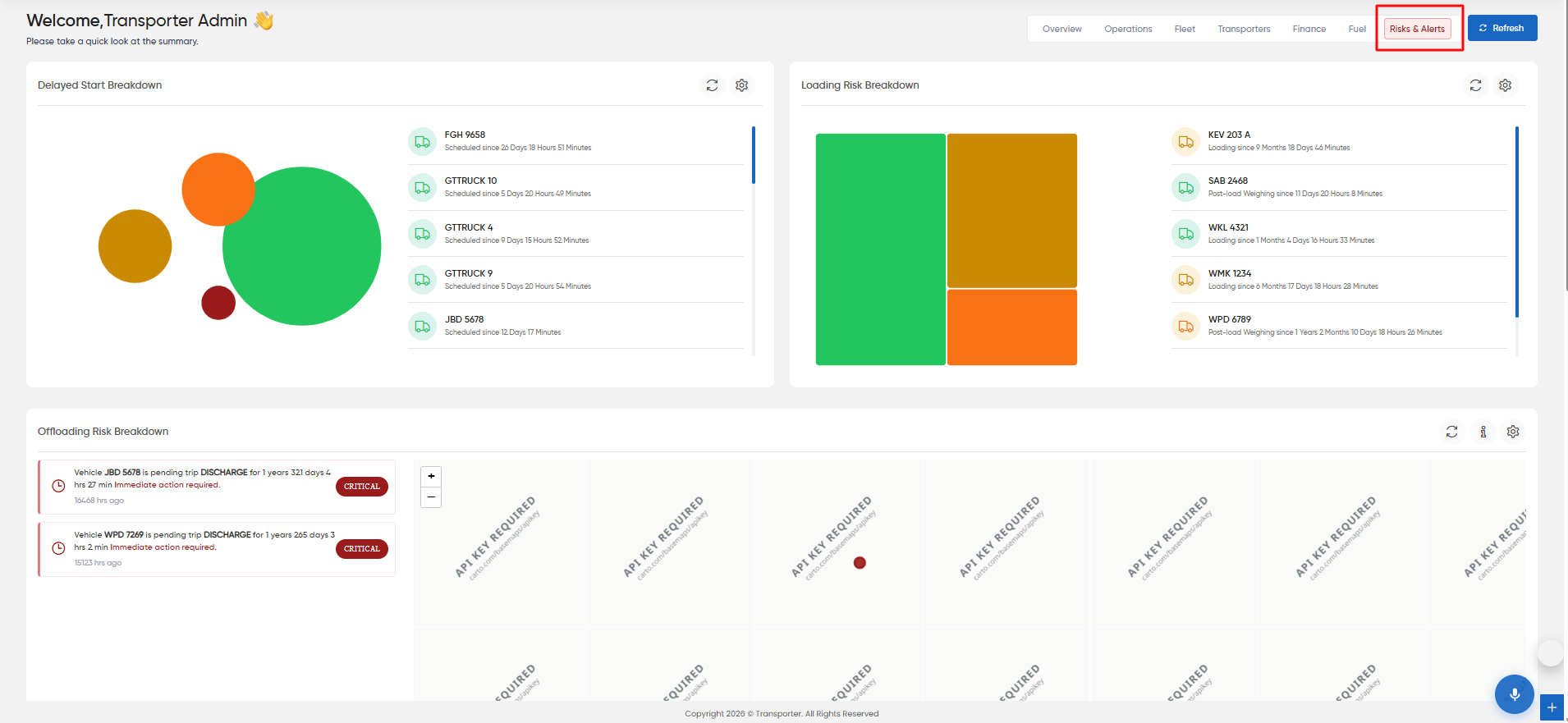
- Delayed Start Breakdown
- Displays vehicles where the scheduled trip has not started within the expected time.
- The graphical breakdown provides a visual representation of the delayed-start records.
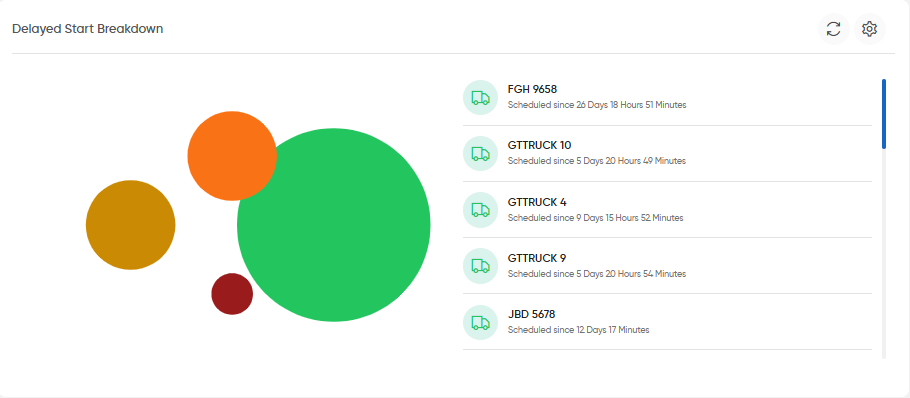
- Loading Risk Breakdown
- The widget identifies vehicles that have remained in a loading-related status for an extended period.
- The displayed information includes:
- Vehicle Number
- Current loading-related status
- Duration for which the vehicle has remained in that status
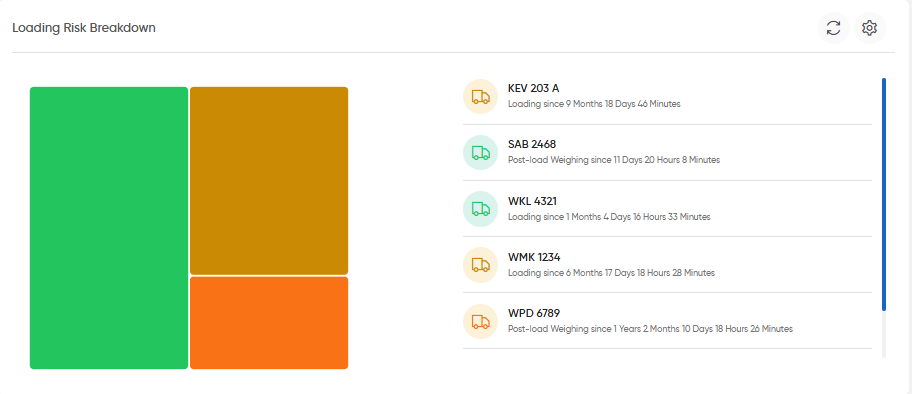
- Offloading Risk Breakdown
- Displays vehicles with offloading-related risks.
- The alert list provides:
- Vehicle Number
- Trip status
- Duration for which the vehicle has remained pending
- Time elapsed since the relevant activity
- Risk severity
- The widget can identify alerts marked as Critical.The widget also provides a map view for the displayed risk locations.
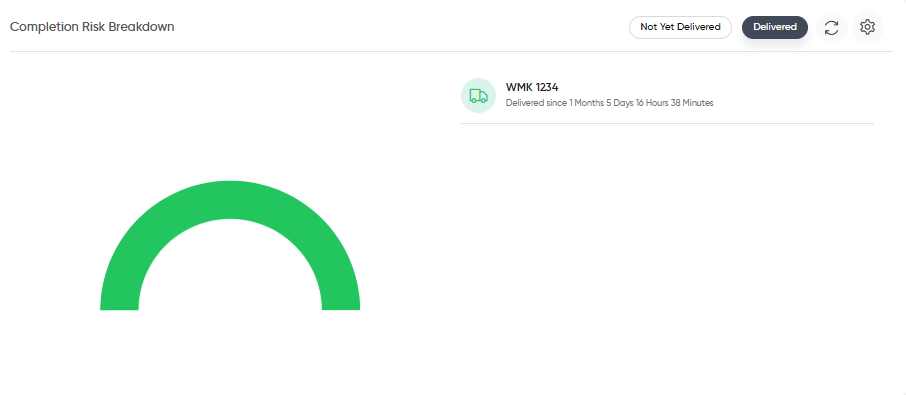
- Completion Risk Breakdown
- Displays vehicles associated with completion-related risks.
- The widget provides a status selection:
- Not Yet Delivered
- Delivered
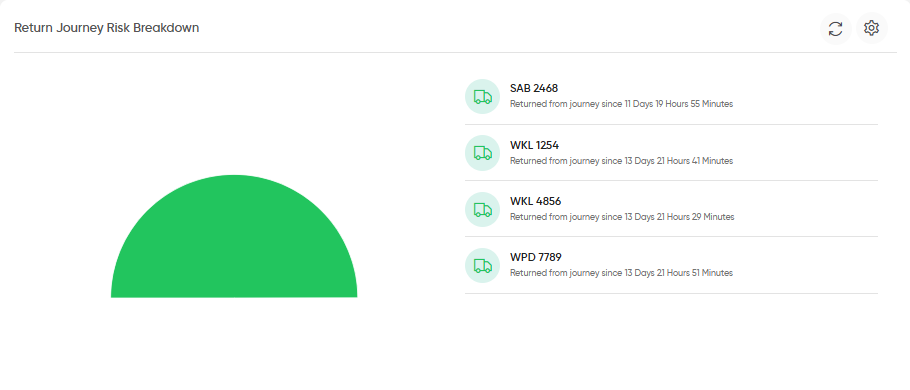
- Return Journey Risk Breakdown
- Displays vehicles with risks associated with their return journey.
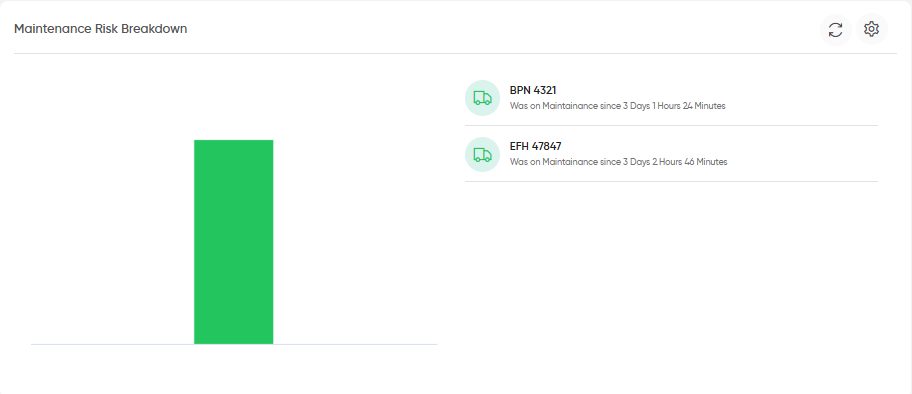
- Maintenance Risk Breakdown
- Displays vehicles that have remained in maintenance for an extended period.
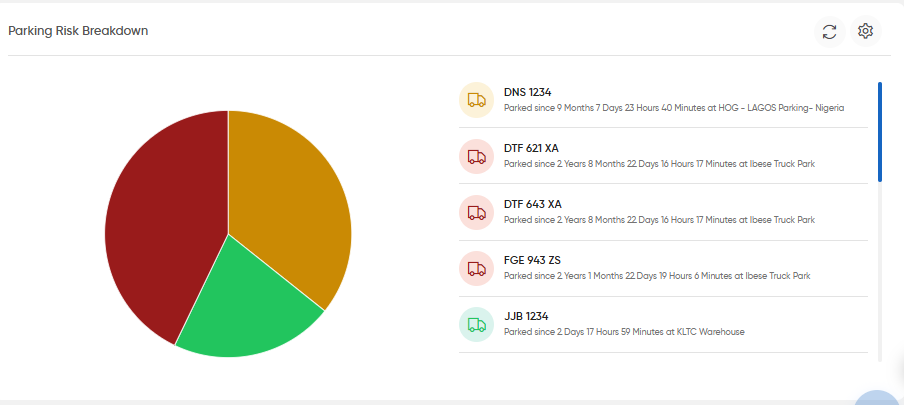
- Parking Risk Breakdown
- Displays vehicles associated with parking-related risks.
- The graphical representation provides a breakdown of the parking-risk records.
- Widget Actions
- Settings: Opens the available configuration options for the widget.
- Information: Displays additional information about the widget.
- Expand: Opens the widget in an expanded view where available.
- Status Selection: Allows users to switch between available statuses, such as Not Yet Delivered and Delivered.

