Transport Management
-
Logistics & Carriers
-
Fuel Management
-
Finance
-
Wallet
-
Driver Application
-
Transporter Mobile KB
-
Parking Manager Mobile
-
Loading Manager Mobile KB
transporter
TMC Teaser

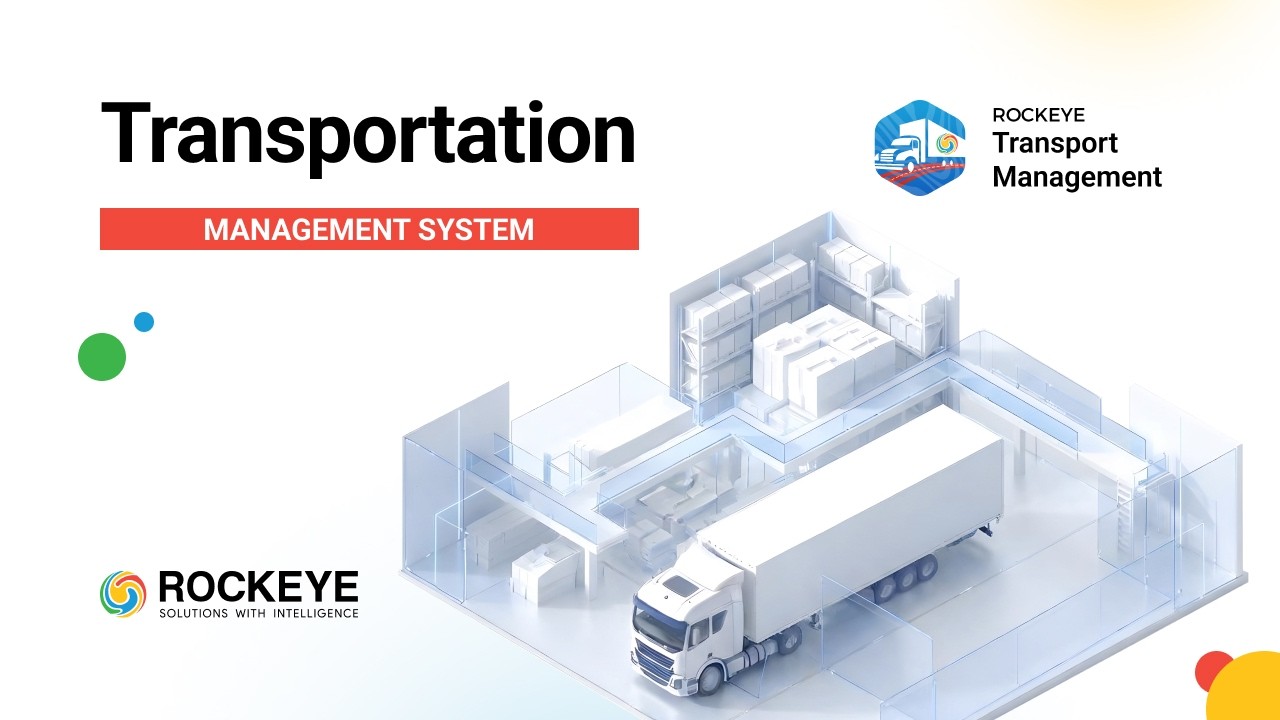
Take Control of Your Yard
with Real-Time Tracking!

Cut Operating Costs with
ROCKEYE TMS
TMS Optimizes Transport
Dispatch Scheduling for
Peak Efficiency
Transport Order Creation
in TMS Explained

AI-Powered Transportation
Management System | Smart
Fleet & Logistics
Optimization with ROCKEYE
ERP

Add and Manage Product

Define Standard Transit
Corridors

Configure Vehicle
Categories and Type
Centralized Dispatch and
Journey Oversight

Manage Global and
Customer Locations

Configure Pre Trip
Inspection Protocols

Manage Driver Profiles
and Compliance
Monitor and Manage In
Transit Trips

Manage Fuel Depot Stock
and Inventory

Manage Payment Vouchers
and Wallet Balances

Manage Trip Disputes and
Settlement Processing

Configure Transportation
Pricing Matrices
Configure Delivery
Estimation and Variance
Rules
Manage B2B Client
Profiles

Manage Transporter
Performance Dashboard
Add and Update
Transporter Profile | TMS
ROCKEYE

ROCKEYE Transport
Management Solutions |
Smarter Logistics, Live
in Action!

Transport Management
Software | ROCKEYE
Transport Management
Solution

ROCKEYE ERP: Transport
Management Solution!
Frequently Asked Questions (FAQ's)
Your Queries, Our Answers - Let's strengthen your software development
Yes. Reports can be generated based on regions, depots, or operational territories.
Yes. Multi-currency functionality allows transportation transactions to be managed across different countries.
Yes. Workflows and operational parameters can be configured based on regional business practices.
Yes. The system is designed to support operations across different geographic regions or countries.
Yes. Authorized partner users can update certain trip-related details depending on configured permissions.
Users can contact the designated support team or system administrator for assistance with operational or technical issues.
If users cannot find a trip, the system provides search, advanced search, filtering, and refresh capabilities within the Trips module to help users quickly locate the required trip record.
Yes. Businesses can manage their owned fleet as well as contracted transport partners within the same system while maintaining clear operational visibility.
Industries such as logistics providers, manufacturing companies, fuel distributors, retail supply chains, and organizations operating delivery fleets can benefit from the platform.
ROCKEYE TMS helps organizations manage and optimize transportation operations including trip planning, vehicle allocation, shipment tracking, and transportation cost management within a single digital platform.
The system administrator should verify user role permissions and enable access if appropriate.
Users should verify date ranges, adjust filters, use advanced search options, and refresh the report listing to ensure the correct data parameters are applied.
If a user forgets their login credentials, a system administrator can access the user account in the Users module and update the account setup or password, allowing the user to regain access to the system.
If system data appears outdated, users should refresh the listing, verify filters, and use search or advanced search tools to retrieve the latest available records within the module.
Yes. Data protection measures such as secure access controls and encrypted communication are implemented to protect operational data.