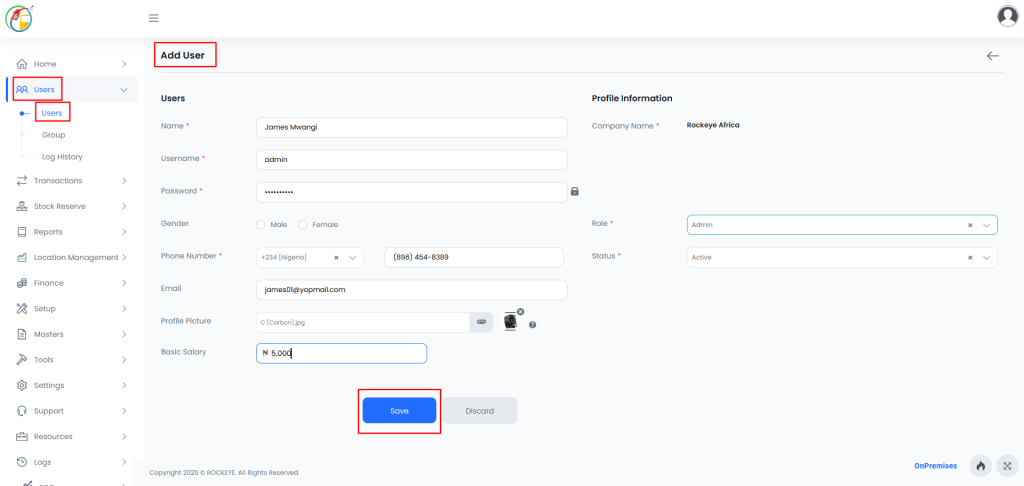
Users
Introduction/Purpose
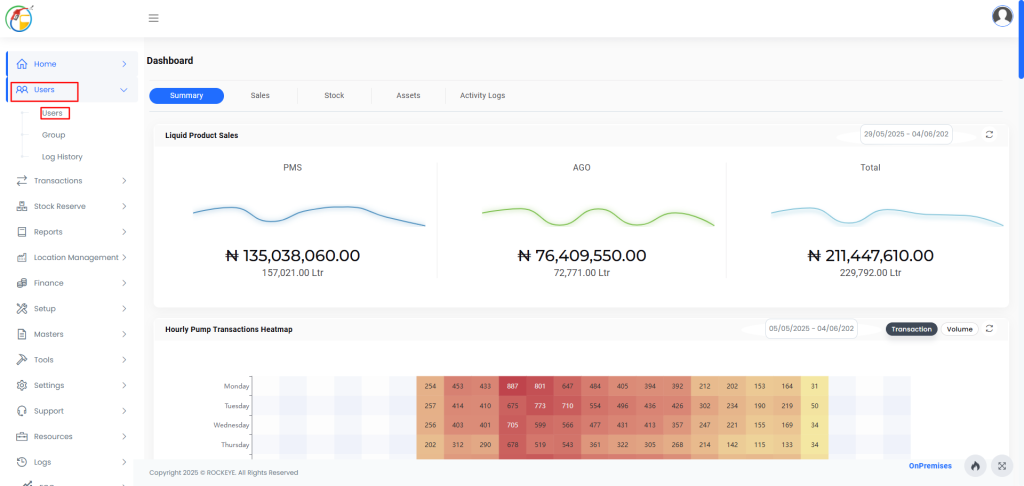
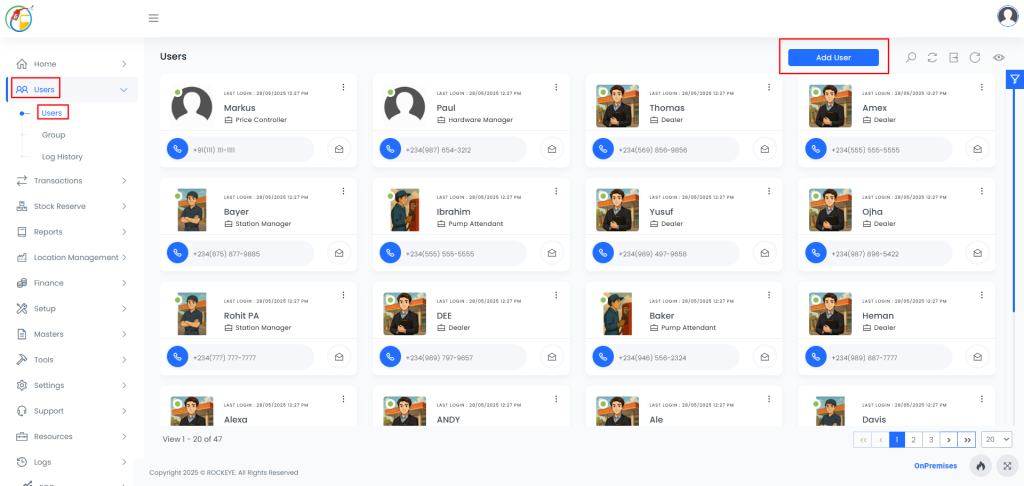
The User tab provides a comprehensive list of all employees along with their relevant details. This module allows administrators to view and manage system users based on their assigned roles. Each user can hold a different role, and the central system administrator is responsible for maintaining user information and managing role assignments.
How To Navigate
Listing
How To Add Users
- Inside the User section, click on the Add button.
- Fill in the form with the required user details.
- Click on the Save button.