Registartion
SOS Introduction
The SOS (Save Our Souls) Application is an advanced emergency management system designed to help organizations, communities, and individuals respond to crises quickly and efficiently. It replaces chaotic, unorganized communication during emergencies with a structured, technology-driven approach.
Login Process
The SOS mobile app uses a secure login process involving phone number verification and profile creation. Follow the steps below to get started.
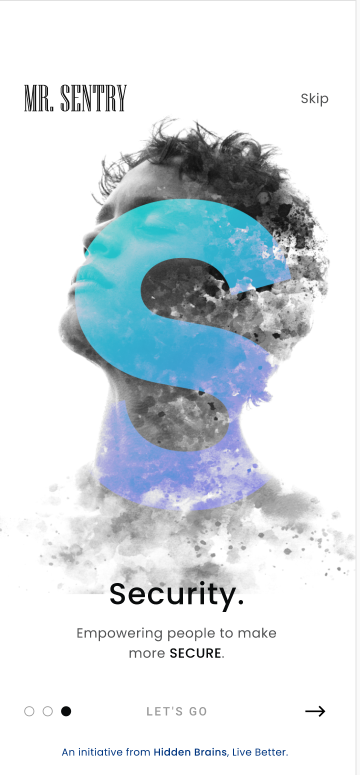
- Upon opening the app, you may see introductory screens about Mr. Sentry and security features. Swipe through these or tap "LET'S GO" to proceed.
- Phone Number Verification: Enter your 10-digit mobile phone number in the provided field. Ensure the country code (+234 in the example) is correct. Tap the arrow icon to continue

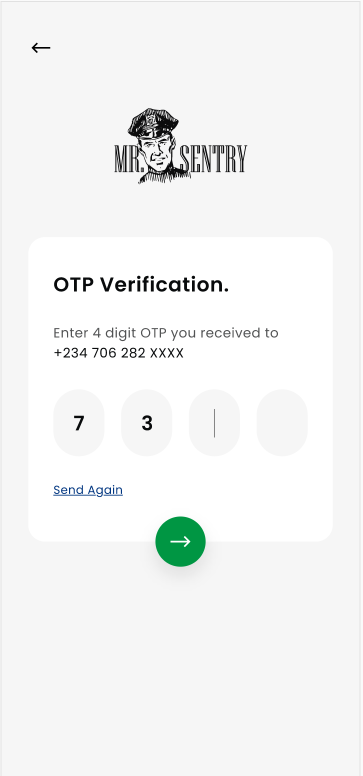
- OTP Verification: A 4-digit One-Time Password (OTP) will be sent to the phone number you entered via SMS. Enter this OTP into the app. If you don't receive the OTP within a few minutes, tap "Send Again".
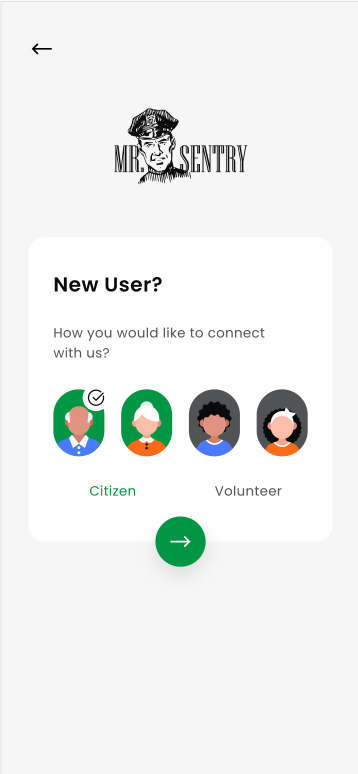
- User Type Selection: After successful OTP verification, you'll be prompted to select your user type. Tap the
- Citizen icon.
Complete “My Profile”
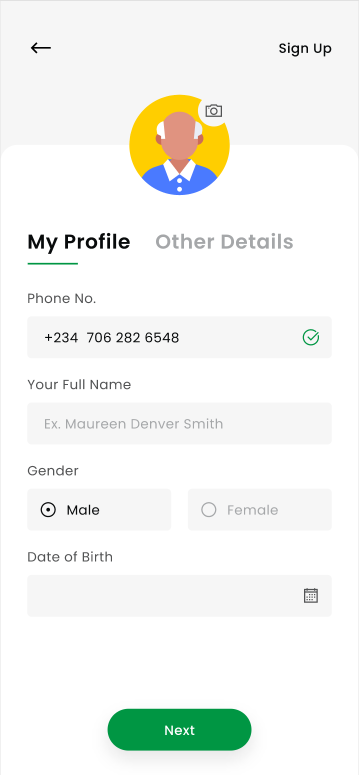
Confirm your phone number (pre‑filled).
- Enter Full Name.
- Select Gender and set Date of Birth.
- Optionally add a profile photo.
- Tap Next.
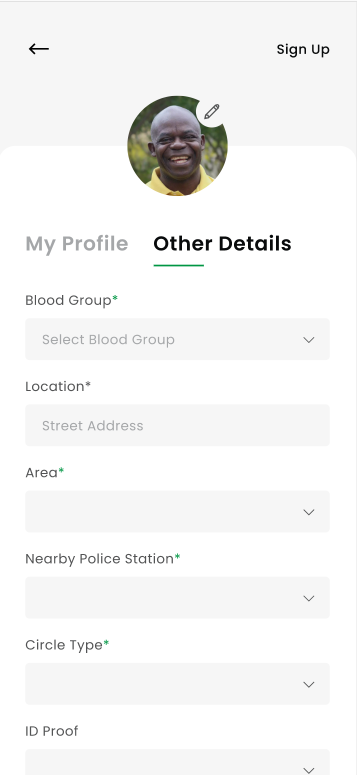
Fill “Other Details”
- Required fields are marked with an asterisk (*).
- Blood Group*
- Location* (Street Address)
- Area*
- Nearby Police Station*
- Circle Type* (choose the available option)
- ID Proof (if prompted)
- Tap Sign Up/Save.

