
Sales & invoice
-
Dashboard
-
Ease of Accessibility
-
Item Management
-
Item Unit
-
Master
-
Transasctions
-
Orders
sales
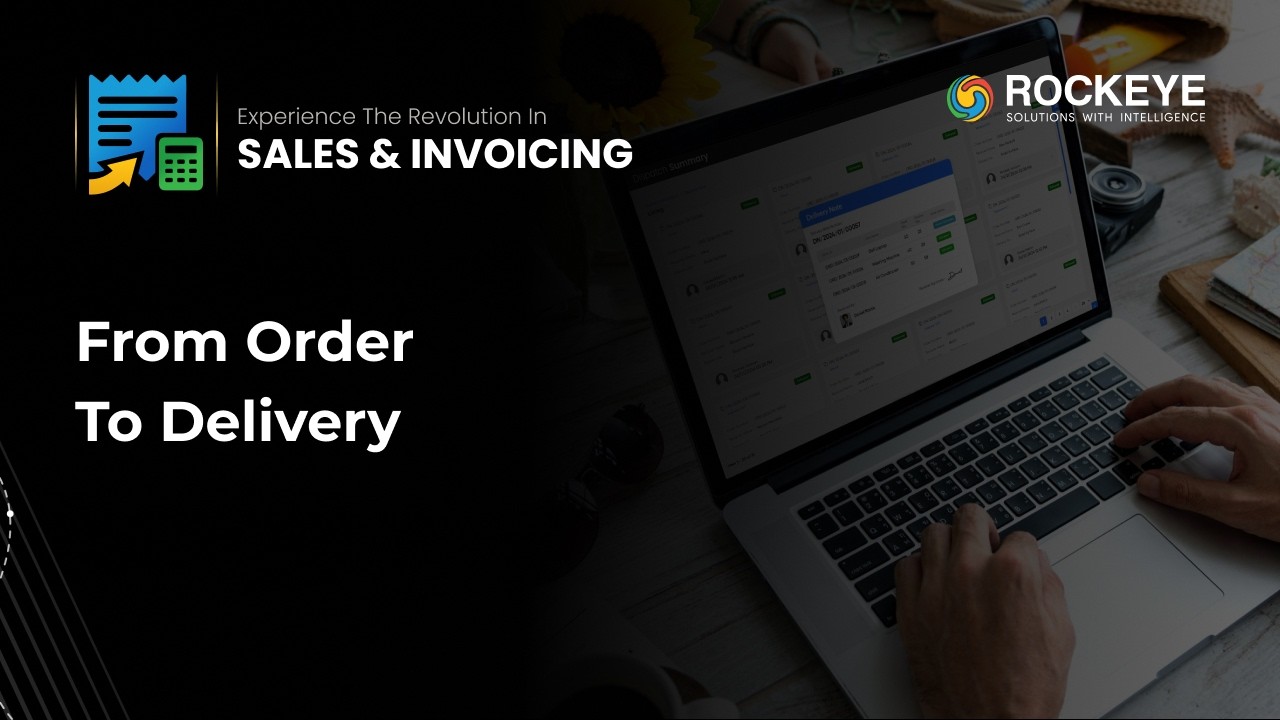
Sales Order to Delivery
– End-to-End
Fulfillment in Sales and
Invoice Software
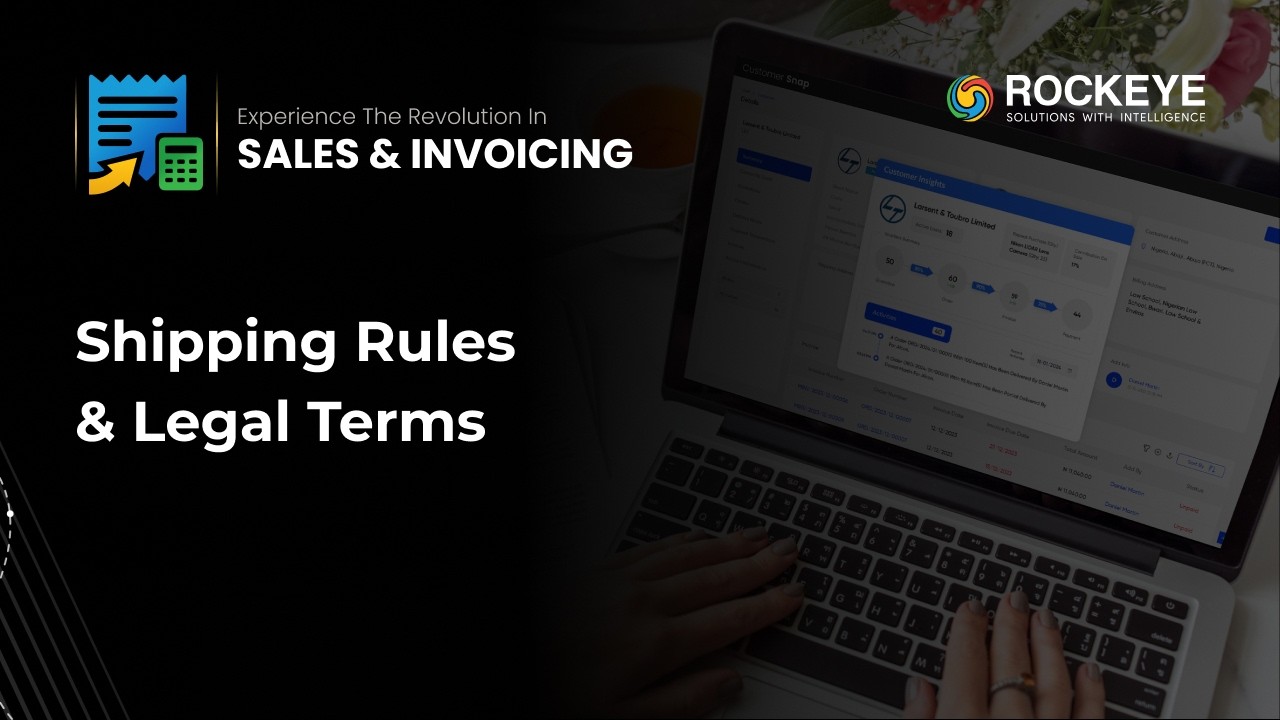
Delivery Terms &
Conditions Setup in Sales
and Invoice Software |
ROCKEYE ERP

Customer & Credit
Management in Sales and
Invoicing Software

Process Sales Orders
& Manage Fulfillment
with ROCKEYE Sales and
Invoice Software | Full
Guide

Manage Customer Tickets
& Service Categories
with ROCKEYE Sales and
Invoice Solution

Record & Reconcile
Invoice Payments with
ROCKEYE Sales and Invoice
Software | Full Guide

Manage Credit Line &
Short-Term Credit
Requests with ROCKEYE
Sales and Invoice
Software

Process Sales Returns
& Credit Notes with
ROCKEYE Sales and
Invoicing Software | Full
Guide

Manage Credit & Debit
Notes with ROCKEYE Sales
and Invoice Software |
Full Guide

Sales Quotation Software
Tutorial for Accurate
Pricing

Customer Master Setup in
ERP Explained
AI-Powered Sales &
Invoicing System |
Automate Order-to-Cash
with ROCKEYE ERP

ROCKEYE Sales &
Invoicing Solution | Full
Walkthrough for Faster
Billing & Smarter
Sales Management

ROCKEYE ERP: Sales and
Invoicing Solution!
Frequently Asked Questions (FAQ's)
Your Queries, Our Answers - Let's strengthen your software development
Based on the auto allocation of funds as invoice being created in the system
Yes. Tax structures such as GST, VAT, or Sales Tax can be configured according to regional laws.
Yes. All edits, approvals, and status changes are logged with timestamps and user details.
Yes. Forms can be customized to include additional fields as per business needs.
Yes, ROCKEYE ERP maintains a detailed audit trail for all invoice-related activities, including status updates, edits, and approvals.
Delivery terms and conditions can be configured and applied to sales documents.
Yes. It supports item-based billing for goods as well as service-based invoicing with applicable tax treatment.
Credit limits are configured per customer, and the system evaluates total exposure before confirming new transactions.
Yes. Transactions can be recorded in different currencies while maintaining reporting in a defined base currency.
Invoice numbering follows configured sequences per entity or fiscal year. Duplicate references are system-blocked.
Yes—Recent & all Activities includes timestamps and user info for actions like order creation.
Yes. ROCKEYE uses role-based access control to manage module visibility. Teams (Sales, Inventory, Finance) can operate independently or collaboratively based on user roles and security settings.