Document Management System
-
Dashboard
-
Sign Document
-
Metadata Management
-
Category Management
-
Template Management
-
Trash Management
-
Deparments
-
Roles
DMS

Role Creation &
Permission Configuration
– Secure Access in
ROCKEYE

Department Setup &
Registry – Centralized
Control in ROCKEYE

DMS Document Restore
& Permanent Deletion
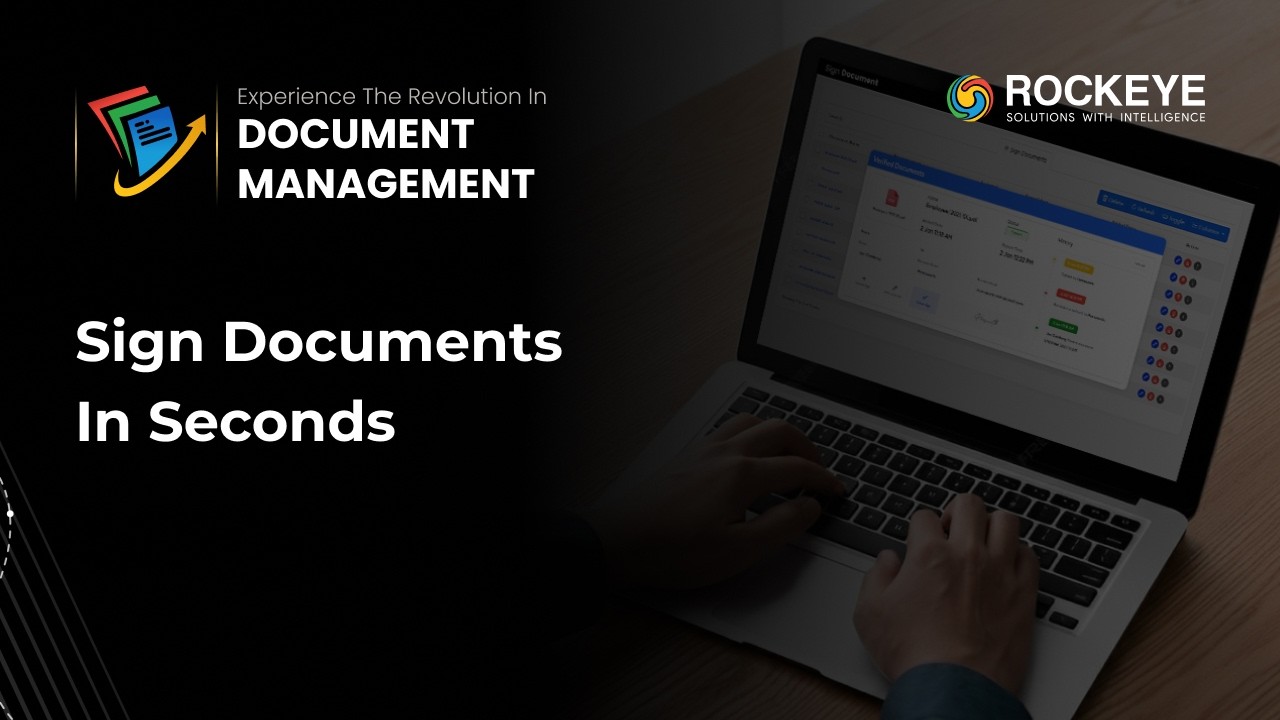
Digital Document Signing
in Document Management
System

Template Management for
Standardized Document
Structures In Document
Management System

Category Management in
Document Management
System
Metadata Management in
Document Management
System

Document Version Control
in Document Management
System

Document Search &
Retrieval in Document
Management System |

Folder & File
Management in Document
Management System

Monitor Files &
Activity with ROCKEYE
Document Management
System | DMS Dashboard
Guide

ROCKEYE Document
Management System | Full
Product Tour & Demo
2025

Document Management
System | Revolutionize
Your Workflow with
ROCKEYE

ROCKEYE DMS: Document
Management Solution!
Frequently Asked Questions (FAQ's)
Your Queries, Our Answers - Let's strengthen your software development
Yes. Folder-level access can be structured to ensure department-level segregation and confidentiality.
Tasks can be assigned to specific users within the same department. Department-level task grouping can be managed operationally.
Yes. Version-specific notes can be added and reviewed for audit and reference purposes.
Yes. Real-time collaborative editing is supported. Multiple authorized users can edit a document concurrently within the browser.
Sharing permissions are role-based. Public links, can include expiry controls and restricted access levels.
No. External users can only access individual documents through controlled email links. Folder-level access is restricted to internal users.
Yes. Folder-level access can be assigned for internal users to control visibility and actions.
Yes. Based rules, expired documents can be restricted.
Yes. Documents can carry multiple metadata tags, enabling cross-departmental classification and filtering.
Yes. AI can generate summaries in supported languages based on configuration.
Available permissions include Read-only, Modify, Delete, and Control (manage sharing, expiry, and access rights).
No. Documents can be edited directly within the browser without requiring a local MS Office installation.
Yes. Access can be granted globally with centralized governance controls.
Deployment options depend on infrastructure strategy and can include cloud-based or controlled hosting environments.
Currently, the system supports extraction from computer-generated or printed text only. Handwritten recognition (OCR) for cursive text is not supported.