Transport Management
-
Basic Guide
-
Dashboard
-
Users
-
Masters
-
Shipments
-
Logistics
-
Finance
-
Report
-
Transport Management (Mobile KB)
< All Topics
Print
User Profile Management
PostedAugust 29, 2025
UpdatedAugust 29, 2025
Bysakshigore
- Purpose: To view and manage your user profile information and potentially switch between different user roles or profiles within the system.
- How to Access: Tap on the menu icon to open the side navigation menu. Your profile details, including name and user type , are displayed at the top.
- Features:
- View Profile: Your name and role are prominently displayed.
- Edit Profile: Tap the pencil icon next to your name to access and edit your profile details.
- Switch Profile: Tap the dropdown arrow below your profile picture to reveal the “Switch Profile” option. This allows you to change your active user profile if you have access to multiple roles or entities within the system.
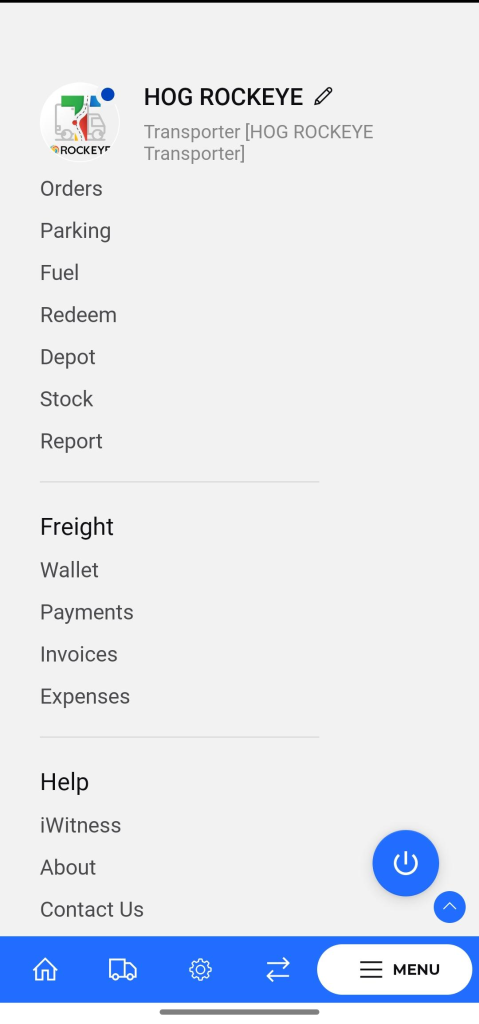
Table of Contents