Transport Management
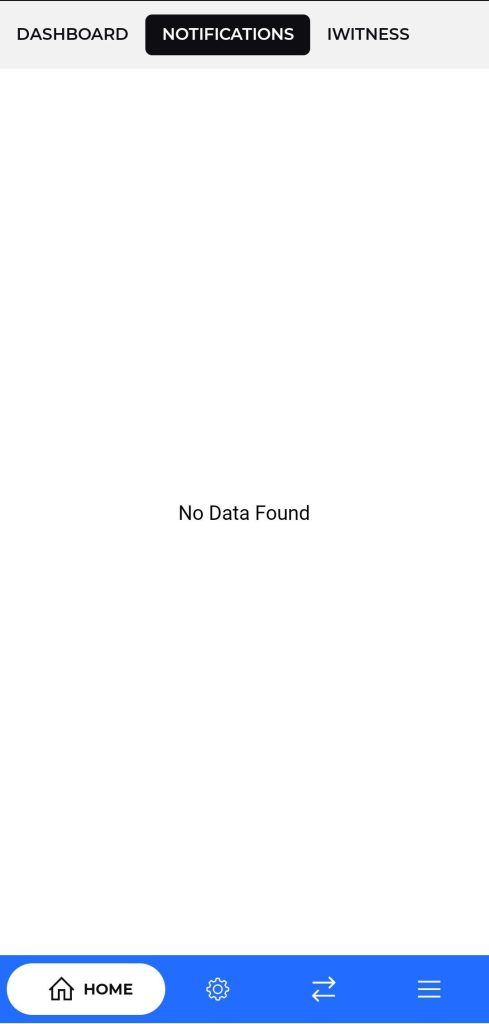
Notifications/IWitness Screen
Purpose:
- Shows alerts, updates, and important messages that require driver attention.
Description:
- Shows a list of all active notifications related to trips, tasks, or system events.
- Allows drivers to stay updated on real-time communication from the system or admin.
Navigation:
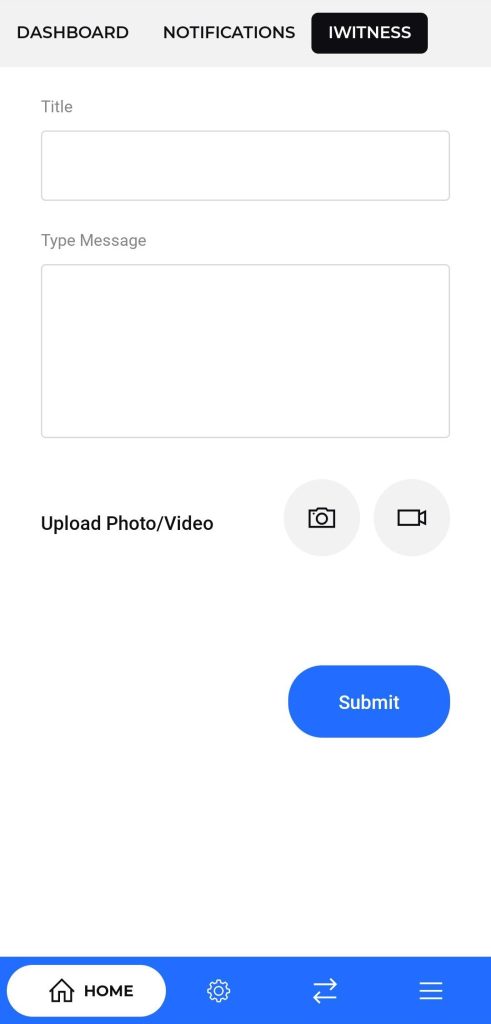
- The top navigation bar enables switching between the Dashboard, Notifications, and IWitness reporting module. The bottom navigation bar provides options to return to the home screen, configure app settings, refresh notifications, and access more features.
IWitness / Camera Capture Screen
Purpose:
To allow the driver to take live pictures as part of the IWitness module to record visual evidence during trips.
Navigation:
Accessed from the top navigation bar under the “IWitness” tab or through a quick action button on the dashboard.
Description:
Displays the live camera view with a capture button.
Allows users to click real-time images of the vehicle, delivery, or any relevant incident.
Once captured, the image can be saved and synced to the system as visual proof for the trip or activity.
Includes controls to retake or confirm the picture before submission.