
Attendance
-
Dashboard
-
Admin
-
All Employee
-
Employee
-
Contract Employee
-
Employee Leave
-
Official Trip
-
Remote Work
-
Activity Logs
-
Meeting Room Bookings
- Articles coming soon
-
Visitor Master
-
Visitor Management
-
Master
-
Companies
-
Devices
-
Face Recognition
- Articles coming soon
-
Reports
-
Meeting Reports
-
Visitor Report
-
Meeting Room Bookings Via Admin
-
Meeting Room Amenities
-
Meeting Room
-
Meeting Room Category
ROCKEYE – Attendance Management System
Set Up Location Master
& Attendance Rules
with ROCKEYE Attendance
Management System

Configure Amenities &
Meeting Rooms with
ROCKEYE Attendance
Management System
Manage Resource Booking
& Availability with
ROCKEYE Attendance
Management System

Configure Shift Roster
& Scheduling Control
with ROCKEYE Attendance
Management System

Manage Employee Leave
Requests & Approvals
with ROCKEYE Attendance
Management System
Real-Time Watch list
Screening: Your First
Line of Defense
Manage Employee Directory
& Workforce Overview
with ROCKEYE Attendance
Management System

Configure Admin Roles
& Access Control with
ROCKEYE Attendance
Management System

Configure Sub-Company
Settings & Feature
Control with ROCKEYE
Attendance Management
System

Manage Biometric Devices
& Access Locations
with ROCKEYE Attendance
Management System
Set Up Meeting Room
Amenities &
Categories with ROCKEYE
Attendance Management
System
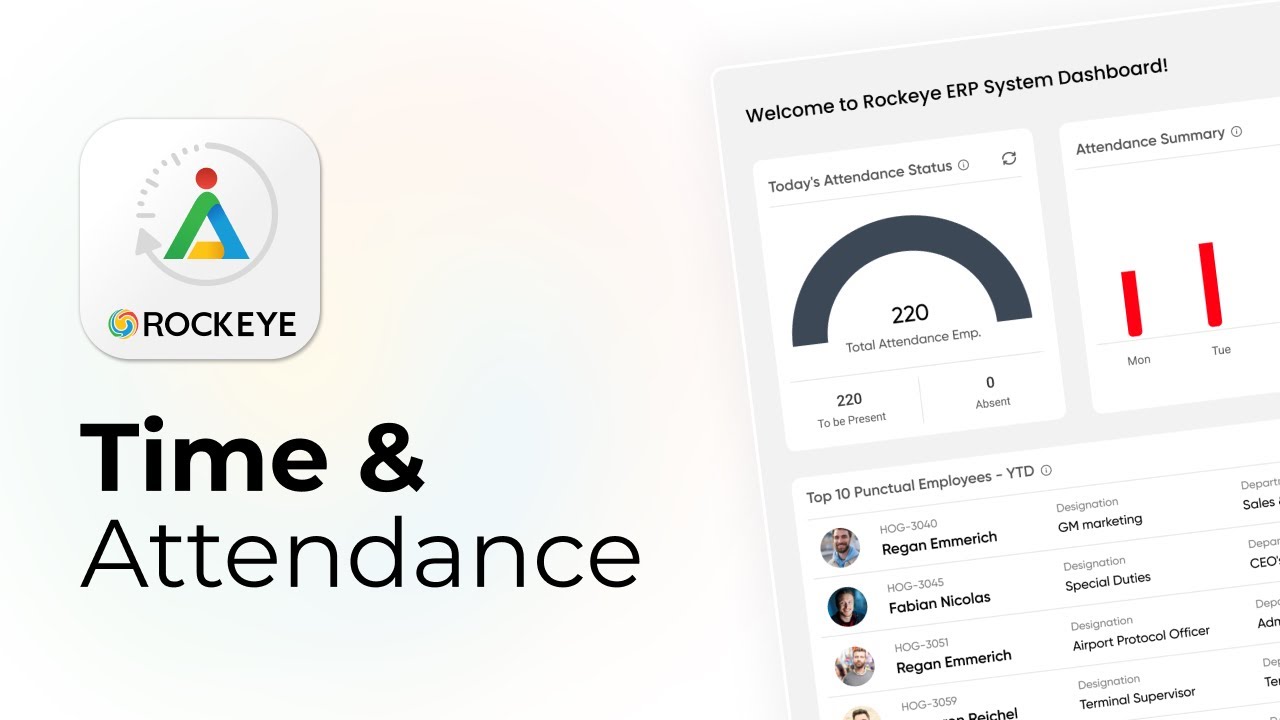
ROCKEYE ERP: Attendance
Monitoring System!
Frequently Asked Questions (FAQ's)
Your Queries, Our Answers - Let's strengthen your software development
Yes. The system can generate alerts or reports highlighting employees who frequently arrive late based on configured attendance rules.
Yes. Employees can access their overtime records including approved overtime hours and compensation details through the portal.
Yes. Attendance can be recorded for internal events, training programs, or workshops to track employee participation.
Yes. Employees can submit shift swap requests that must be reviewed and approved by managers before changes take effect.
Yes. Attendance can be marked accordingly when employees are on approved business travel or official assignments outside the office.
Yes. Audit reports can be generated to review attendance records, corrections, approvals, and policy compliance for internal reviews.
Yes. Notifications can be triggered when attendance corrections, overtime requests, or shift changes require managerial approval.
Yes. Reports can be filtered by department, designation, location, or employee category to provide more specific insights.
Yes. The attendance module is designed to support organizations with large workforces while maintaining accurate attendance records and reporting.
Yes. Different attendance policies can be defined for probation employees if required by company policies.